How to add text animation to a video online
Enrich your video editing with animated text, titles and stylish captions in Clipchamp...
Overlay animated text on videos with customizable fonts, sizes, and colors for free.

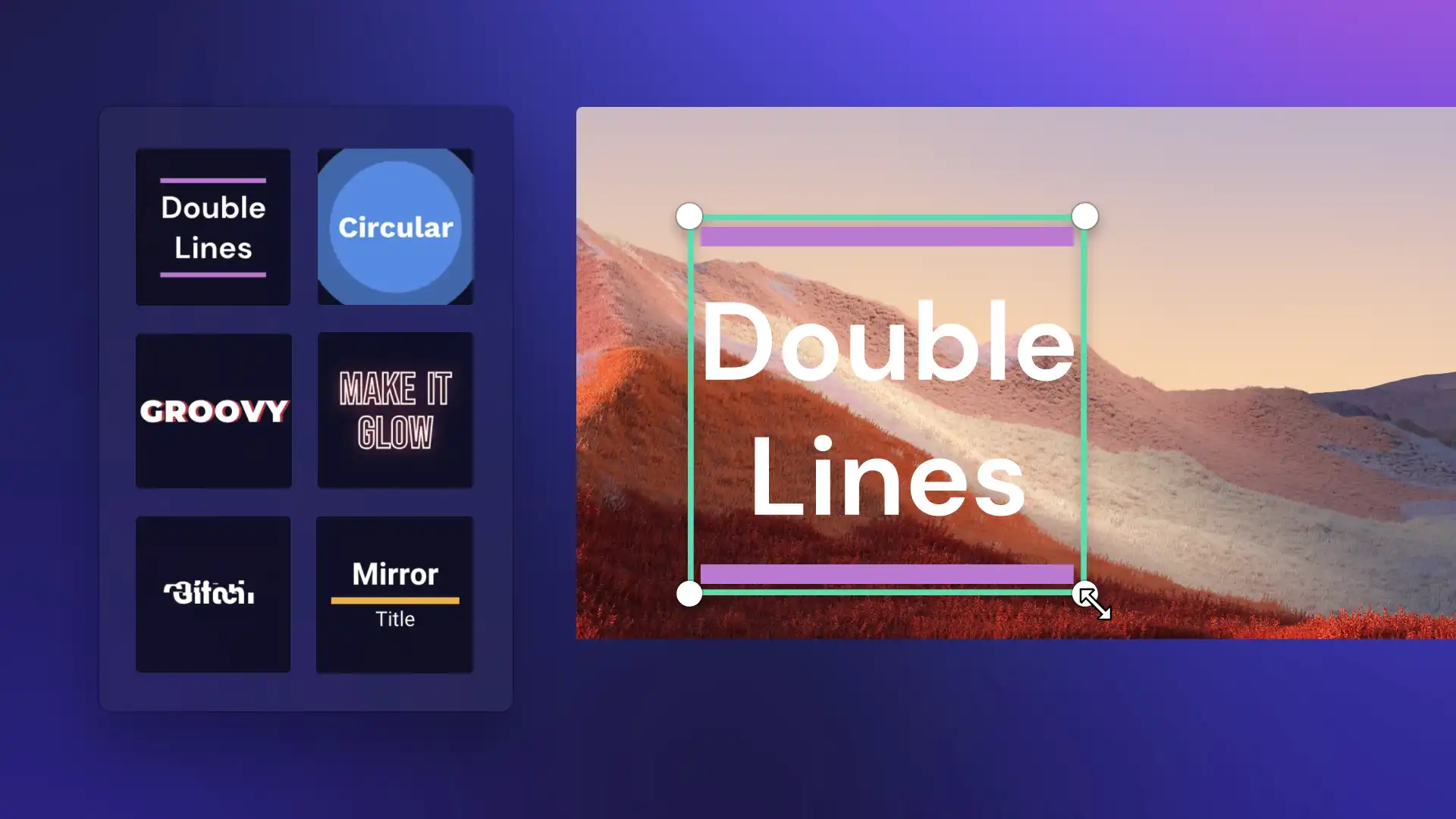
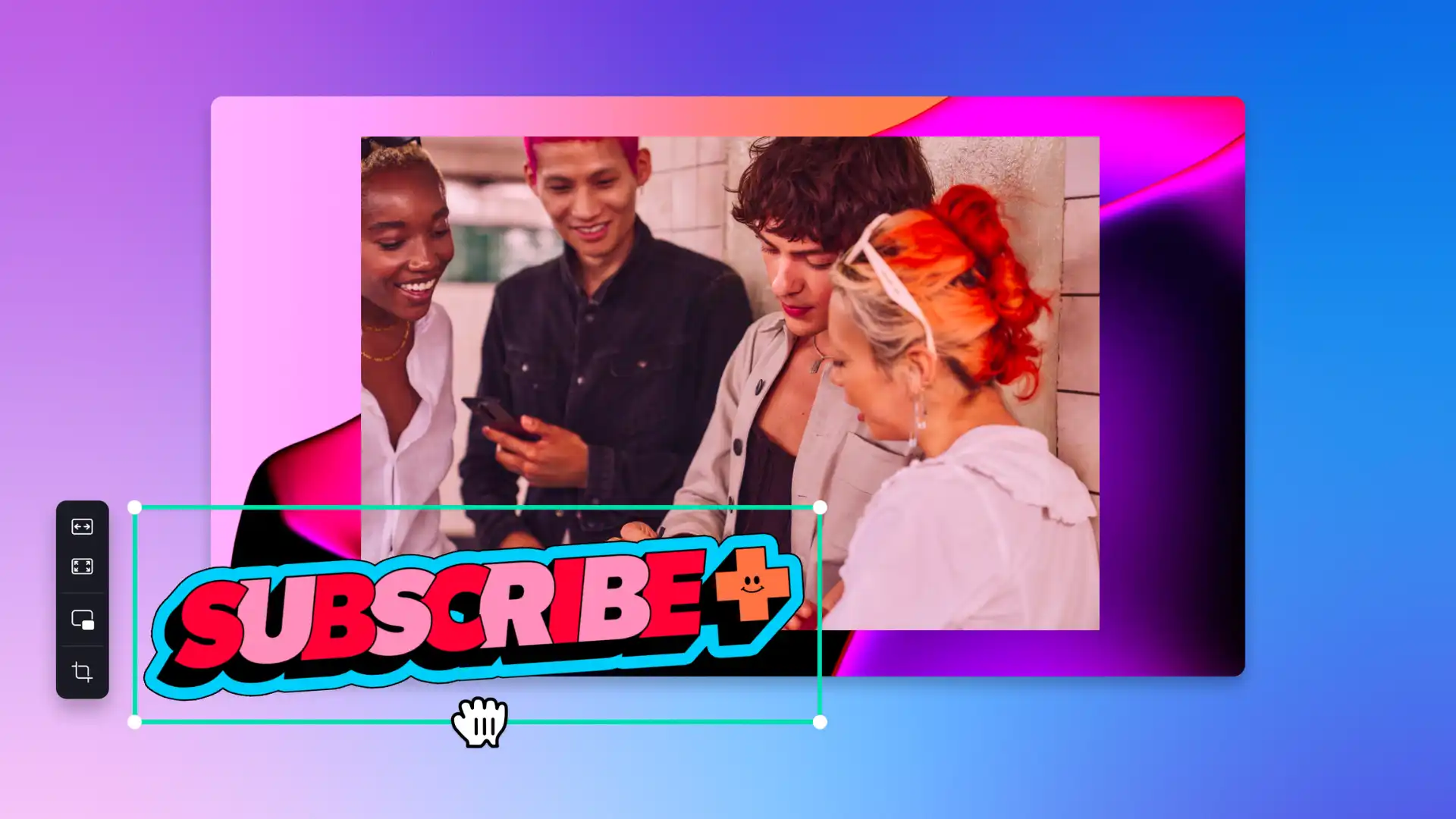
Boost storytelling and video accessibility with a range of video text options like titles, designer text styles, and subtitles. Add unique title overlays onto media, or choose free stock videos and images to entertain viewers.

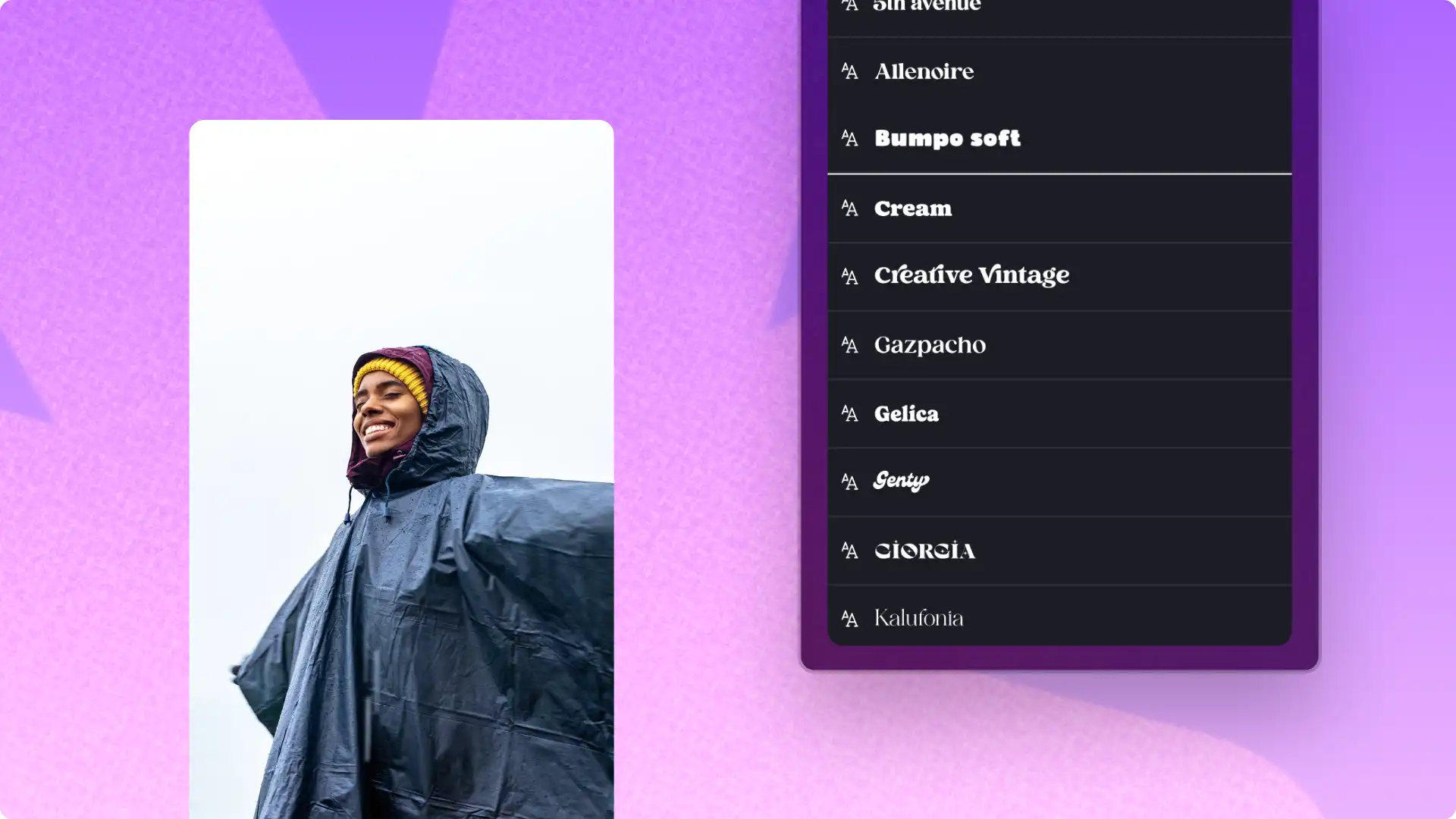
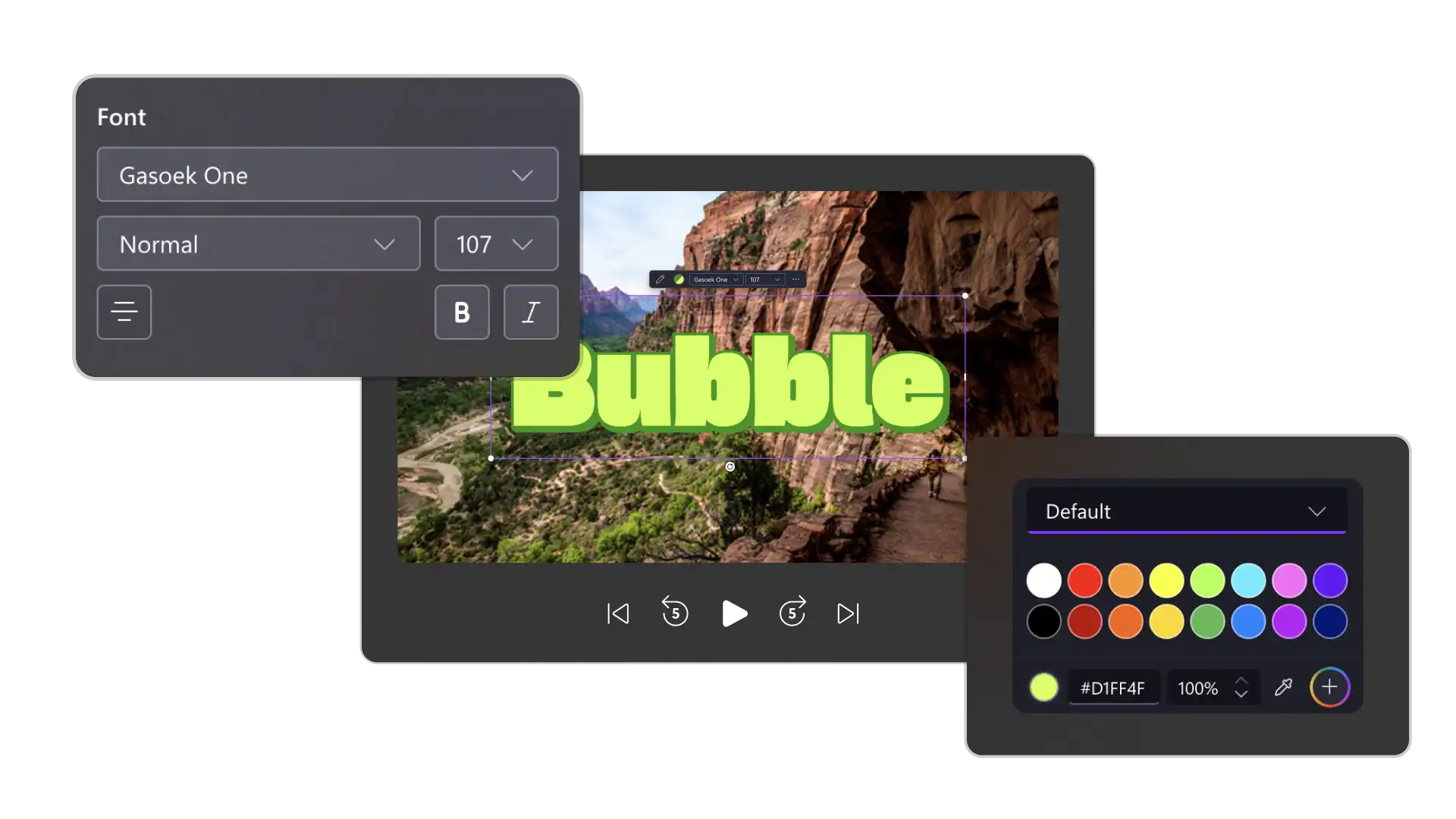
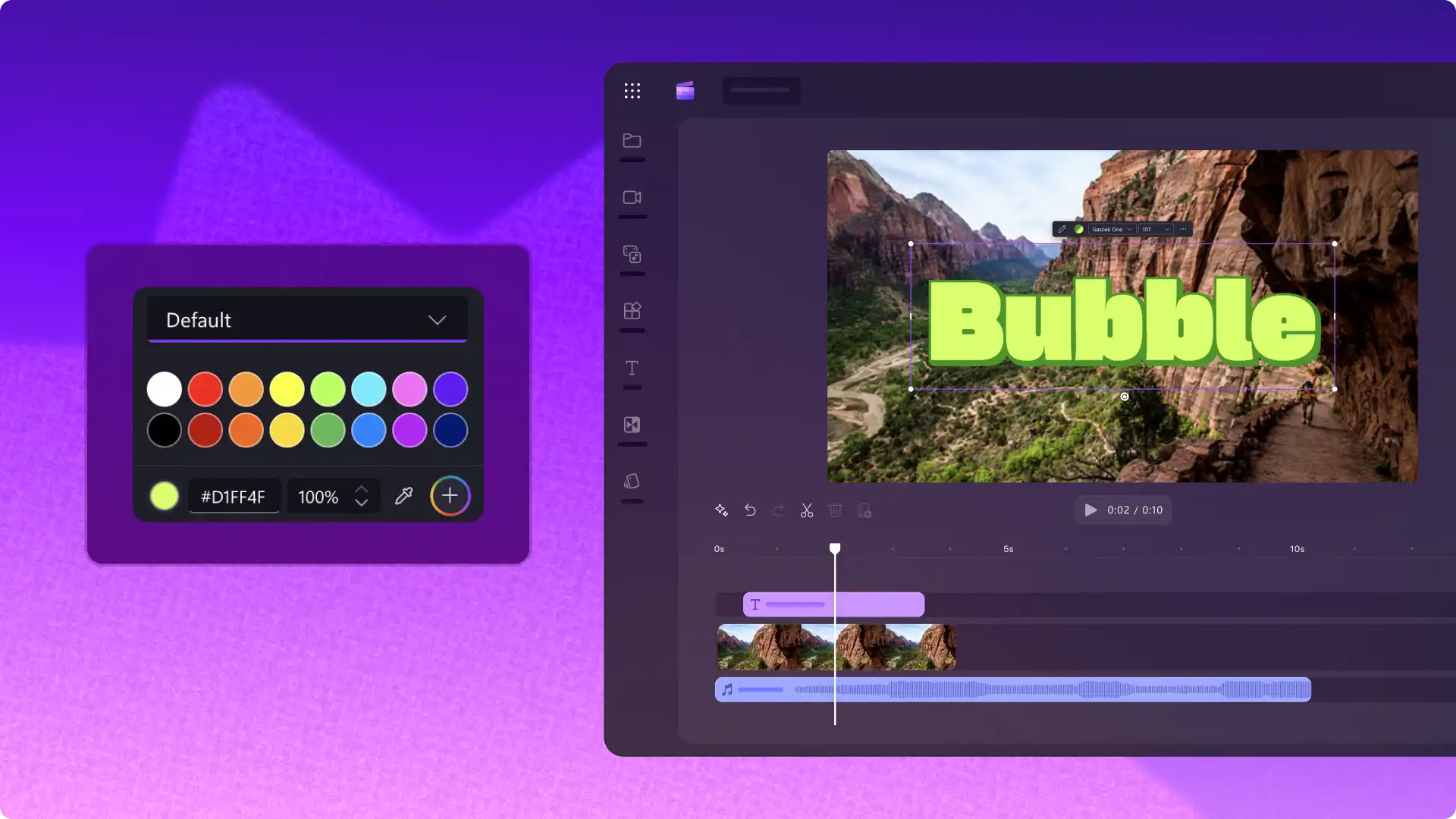
Change the font or upload a brand font, fine-tune the color palette, and adjust the size to suit a video aesthetic. Rotate freely, use presets for the perfect text placement, and try advanced settings like shadows to create a polished look.

Apply text animation effects like fade, slide, bounce, and typewriter to make key messages stand out. Customize duration and direction to create professional intros, outros, and subtitles that capture attention.
Make YouTube videos and video podcasts easier to watch with stylish intro and outro text, speaker labels, and readable subtitle fonts.
Tell stories on Reels with vlog descriptions and ‘swipe up’ animations or add trending text to videos to join a TikTok trend.
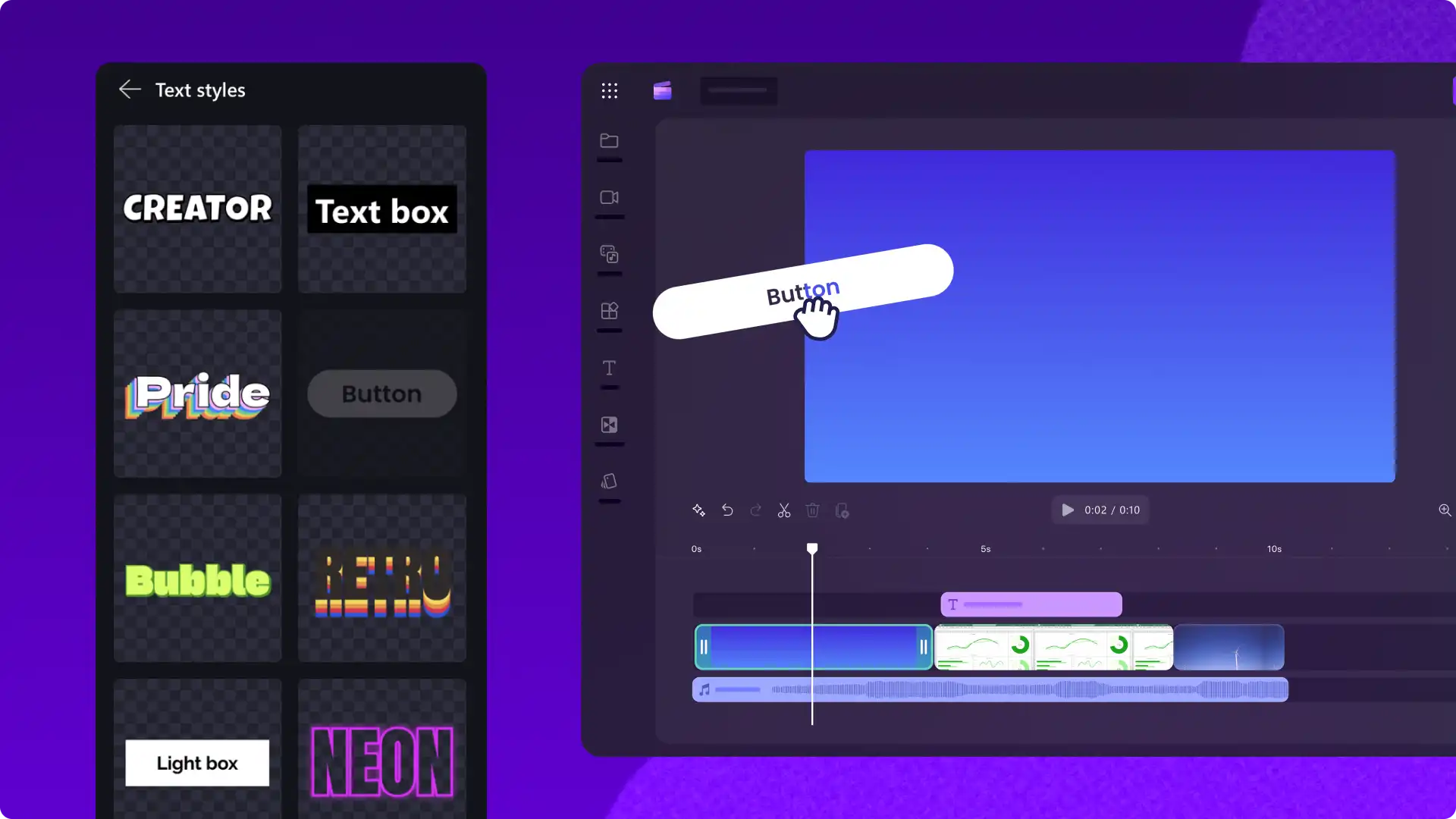
Create social media edits that captivate viewers with the creator text style, meme text, vintage text, and other vibrant fonts.

Create easy-to-follow online learning videos by adding section titles and lower thirds for topics, along with subtitles for retention.
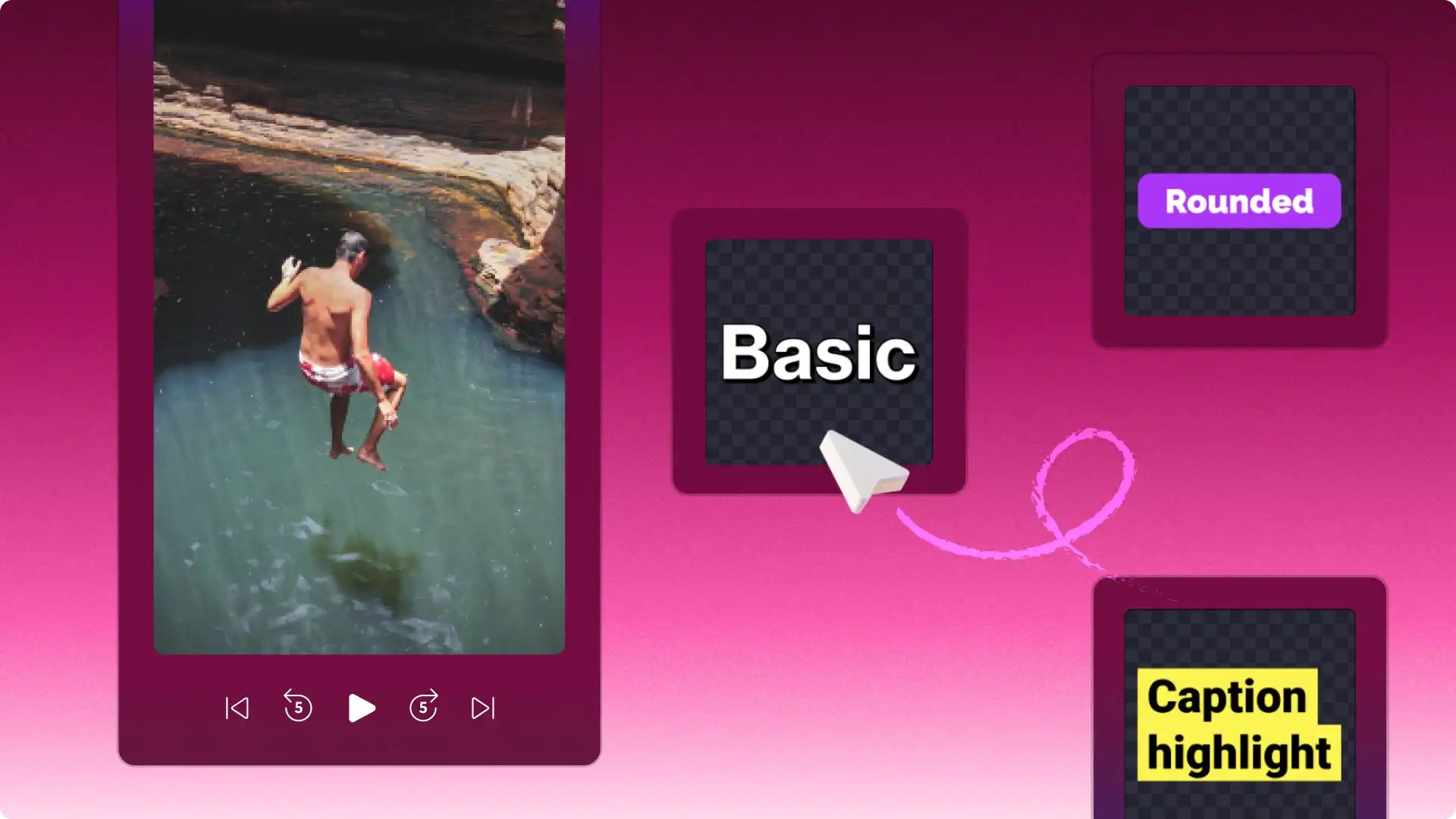
Turn assignments into a masterpiece with typewriter text (opens in a new tab) for history video essays, stencil for science, or boho for art videos.
Complement a video resume with eye-catching informative text and graphics to tell a visual story for college.
Make consistent and recognizable corporate videos using a custom font and color palette with the brand kit tool.
Spotlight key points in video presentations and pitches by adding animated text summaries, quotes, and speaker names.
Add interest to company updates and onboarding videos with striking intro texts and accessible captions.


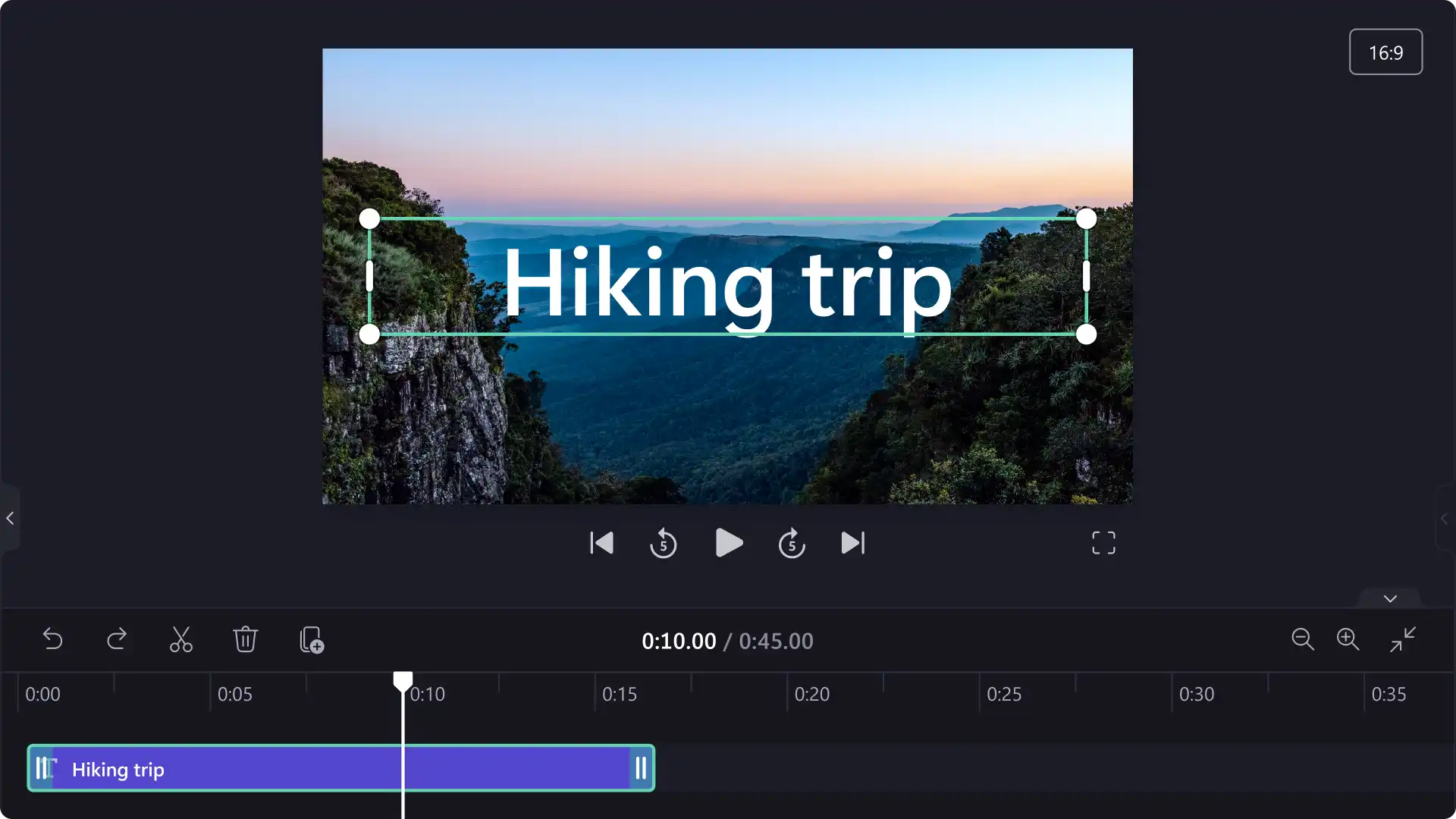
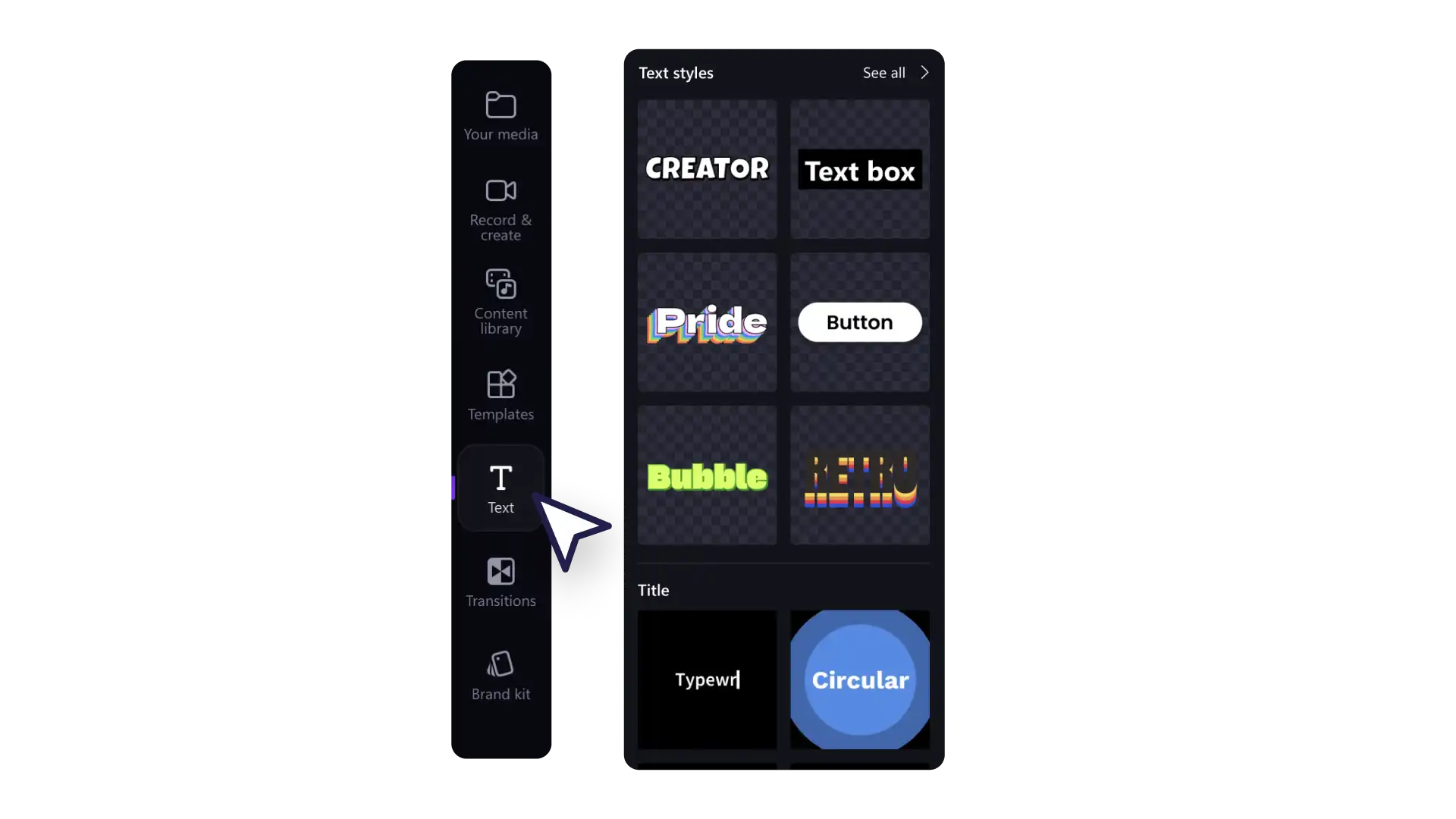
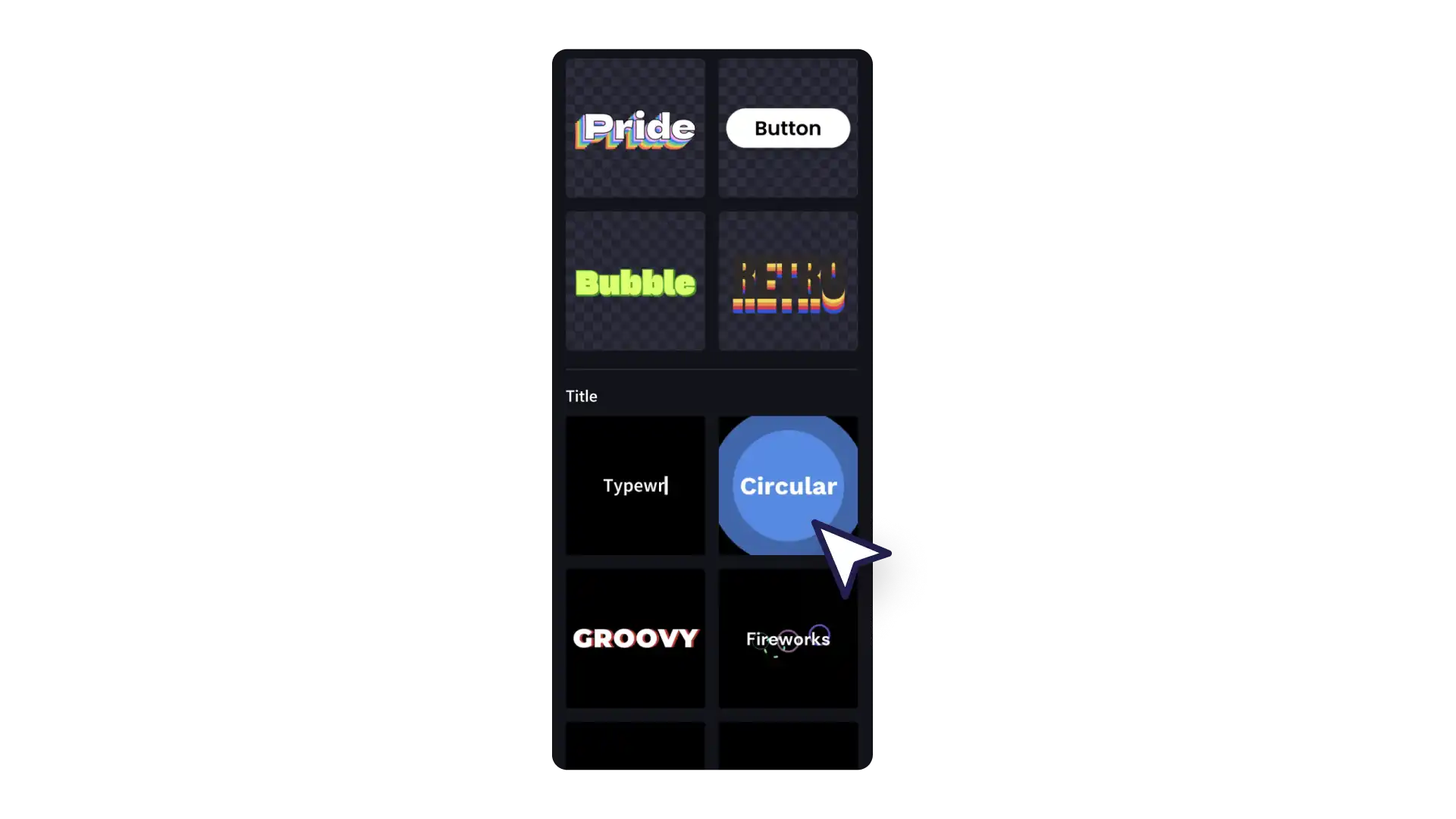
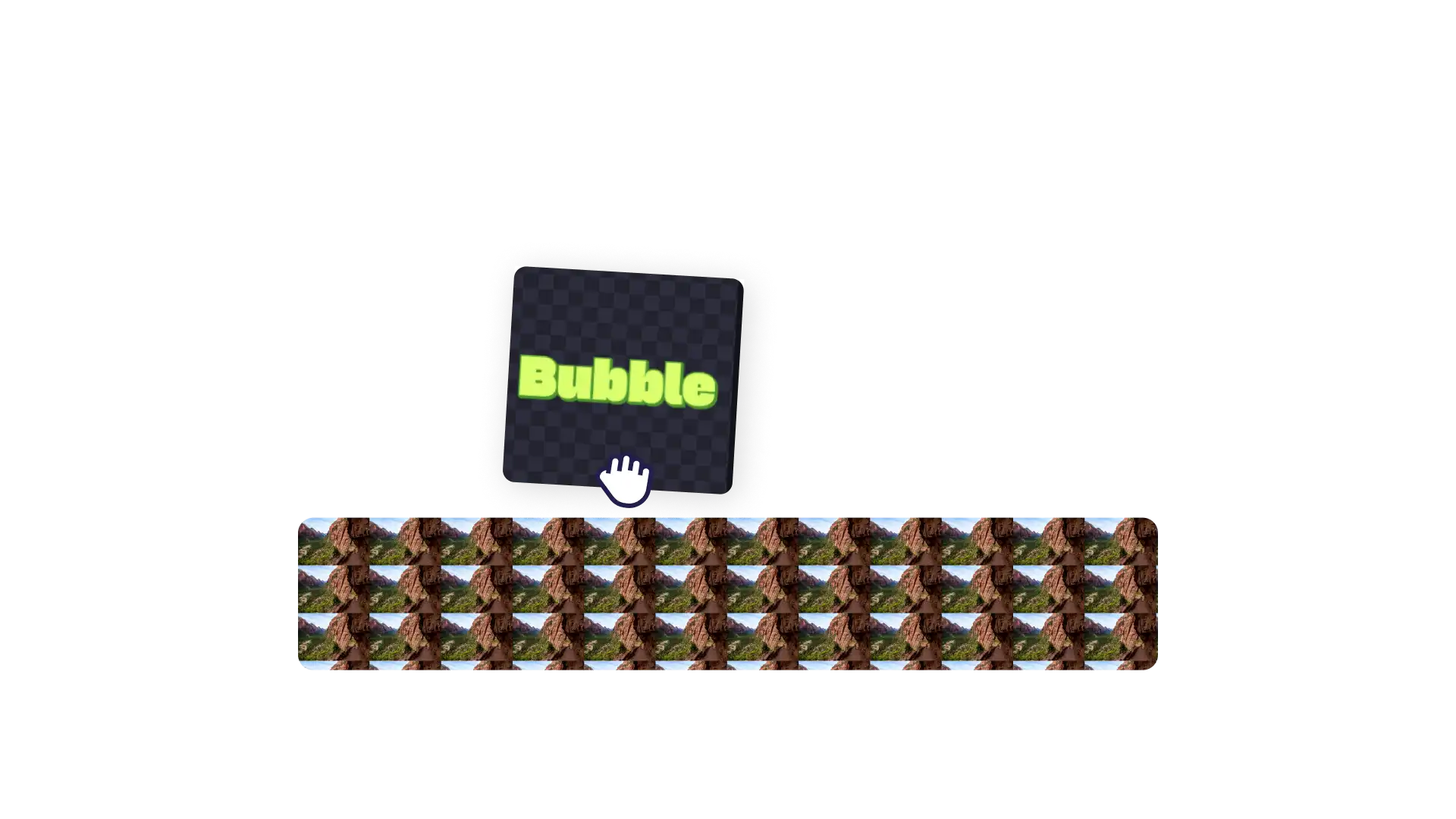
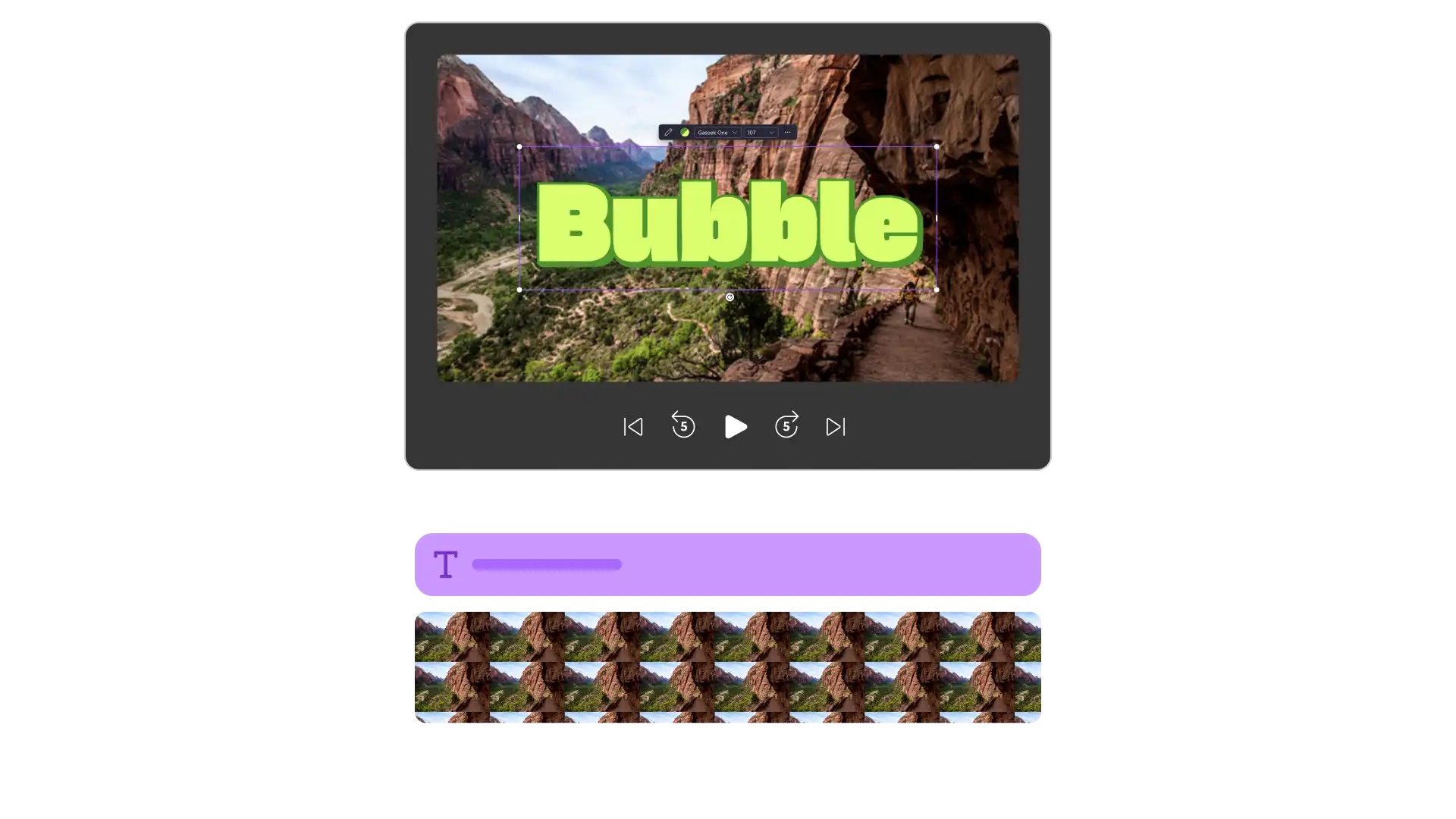
Follow this step-by-step guide on how to add text to photos, GIFs, slideshow videos, and social media videos.
Click on the textbox to reveal a color picker and update the text style options as needed. Some popular text styles like bubble text and retro text style have two or more color palette options, to match the video aesthetic perfectly.
Clipchamp video editor supports foreign language scripts while adding text to videos. Try an animated title or use the plain text option to add text in the preferred language, then adjust the size, colors, and add video effects to animate it.
Cliphamp video editor offers a range of animation effects, such as fade, bounce, scale, or typewriter, to help polish text and shapes. Select text or a shape, then click on the Animate button in the property panel to choose and apply an effect.