Good storytelling is at the heart of creating a video, and video scripts are the building block of a great video. However, not every video maker is a natural scriptwriter. Video makers with writer’s block or those looking to speed up video creation can try generative AI tools like Microsoft Copilot to structure video ideas and generate video scripts quickly.
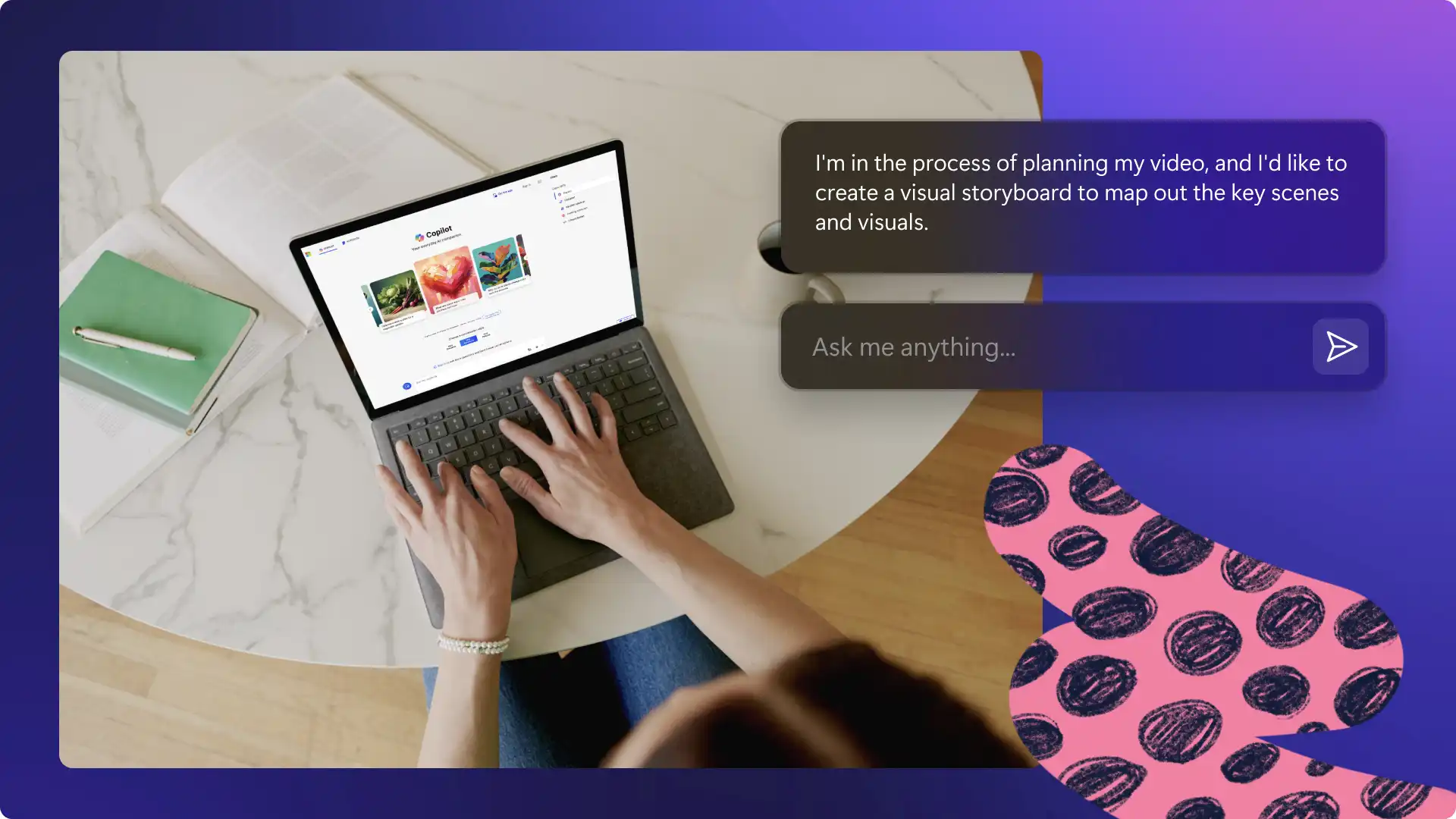
Explore AI prompts that can be copied, customized, and shared in Copilot chat to create video scripts. These scripts can then be used to create videos in the Clipchamp video editor.
1. Generate a video outline
Initial brainstorming can take a long time, especially when the video topic needs research or specialized expertise. Complete topic research by using video prompts to provide a structure that matches the video platform, time limit, and needs. This is perfect for beginners who have long video ideas.
Edit this message and start chatting with Copilot to generate an outline:
Act as a video creation expert. I'm working on a video about [niche topic], and I'd like to ensure that the content is well-researched and organized. The video is intended for [mention target audience], and the goal is to create and [briefly describe the purpose or message]. Help me research the niche topic and create a comprehensive video outline? Please consider [mention subtopics or details about other noteworthy details].
Continue chatting with Copilot until the video script outline reads well. Take the bullet points provided and start writing a video voiceover or continue chatting to write the full script based on the discussed outline. Read on to learn how.
2. Prompt a full video script
Have a lot of ideas, but not sure how to transform bullet points into an engaging video script? Collect ideas and request Copilot to turn it into a polished video script in the chat.
Here's the easy-to-customize video script generation message:
I have an outline for a video script that I'd like to turn into a full script. Help me by using my bullet points as a guide. The video is intended for [mention your target audience], and the goal is to create and [briefly describe the purpose or message]. Please use clear and concise language, and make sure the script flows well to suit [video platform name].
Copilot will structure the script by video segments. Adapt the script and add a personal touch by tweaking any language to match one's tone. If the first version isn't matching expectations, chat with AI to provide another version. Either way, Copilot will help the video workflow.
3. Improve YouTube video intro and outro scripts
Every creator on YouTube or Instagram has heard about the importance of writing a good intro hook to grab attention. Writing a ‘like and subscribe’ outro line can be tedious, and it's easy to fall back on the same sentences over and over again. Use AI to create alternatives that keep viewers watching, improving watch time, and increasing subscribers.
Here's an example of how to ask Copilot to make suggestions for a video intro and call-to-action.
I'm finalizing my video script, and I want to ensure that the intro and call-to-action (CTA) is compelling. The video is about [briefly describe the topic], and I have specific actions I want the audience to take such as [increasing subscribers/increasing website visits/increasing downloads]. Can you help me craft a few different and effective intro and outro sentences for my video?
Note that while having a scripted intro and outro is a good idea, it’s also important to deliver it in a natural and authentic way. When ready, choose an intro and outro video template that suits the tone and style of the script. The Clipchamp content library has intro and outro templates that are modern and easy to customize.
4. Add video SEO keywords to scripts
Following video SEO best practices can accelerate a video's reach, helping the video search engines understand the content better and serve it to a wide range of users. However, integrating keywords into everyday language without making it sound robotic and unnatural takes practice. Chat with Copilot to refine a script with target keywords and improve overall flow.
Here's the video script generation chat outline:
Think like a video SEO expert. I've conducted keyword research for my video, and I want to ensure that the voiceover script includes these keywords for better search engine visibility. The video is about [briefly describe the topic], and I have included the paragraph of my script where I would like to integrate the keywords [insert your keywords]. Please provide suggestions for each keyword's placement within the script.
5. Add engagement to video scripts
Liven up video scripts by inserting thoughtful questions for viewers to respond to, or interactive video elements like quiz questions, animated stickers, and GIFs. Asking viewers to leave feedback in the comments, review a product, or simply share what they thought of a video can improve engagement on any platform and encourage passive viewers to become active members of the community.
Try a prompt like this to get some useful engagement suggestions for a video script:
I'm in the process of finalizing my video script, and I want to ensure it keeps the audience engaged throughout. The video is about [briefly describe the topic], and I'm looking for creative ways to maintain viewer interest. Can you help me develop an engagement strategy for the script, ranging from questions, ideas for visuals and graphics?
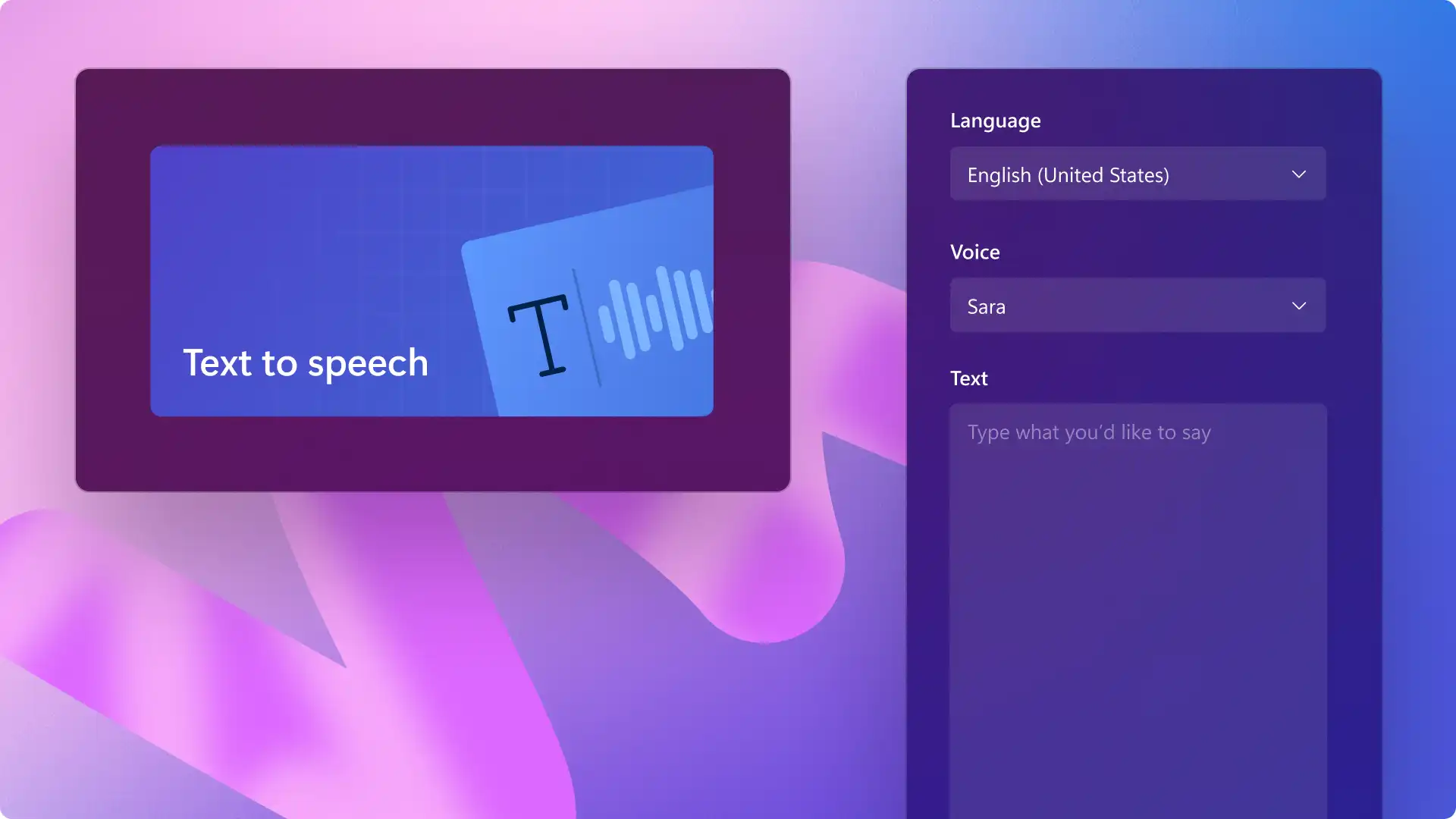
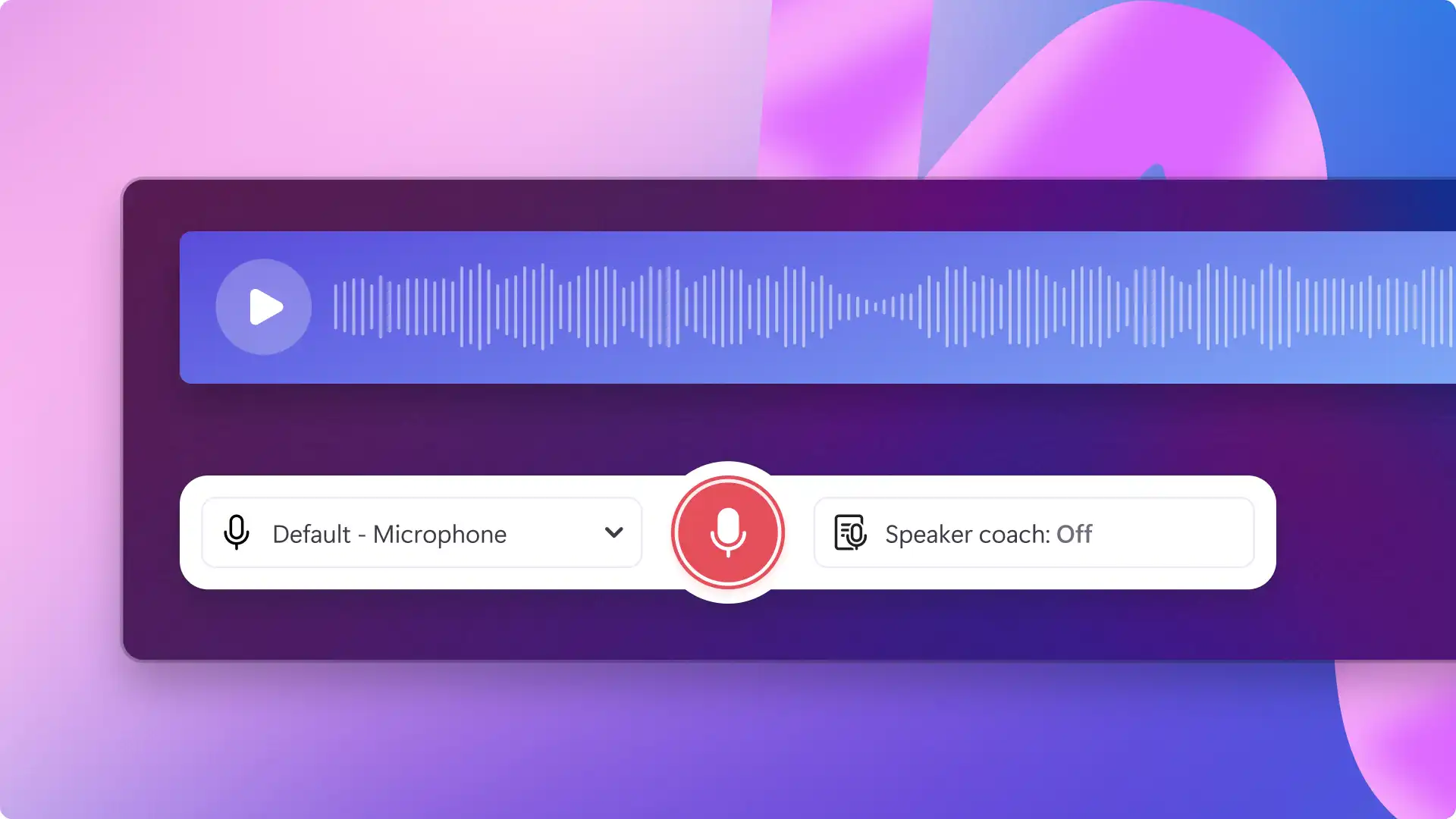
Simply adapt the suggested questions into a script and start creating a video voiceover by recording voice or using AI text-to-speech in Clipchamp.
6. Turn blog posts into video scripts
Businesses or creators with both a website and YouTube channel or presence on social media have a great opportunity to amplify the reach of key messages by repurposing blog posts into videos. Blog posts usually follow a simpler structure than video scripts. They have an introduction, main body, and conclusion. Speed up video creation by asking AI to generate a script with suggestions for visual elements, such as AI images, graphics, and video backgrounds.
Use this chat outline to work smart and convert text into a video script.
Read the following blog post and convert it into a compelling video script. The script should include an engaging video hook, introduction, clear and concise points taken from the blog post, a logical flow of ideas, and a strong conclusion. Make sure to incorporate a conversational and friendly tone suitable for [target audience]. Here is the blog post: [paste blog text]. It should be [suggest timing]. Provide some visual suggestions like graphics and titles to showcase my blog post text in video form.
Test this idea out with a top-performing blog post to compare content performance in text and video form, and repurpose the video back on the blog post.
7. Generate a video voiceover script
Draft video voiceovers with creativity and scalability using Copilot. Whether it's a tutorial video or a video essay, kickstart creation with help from AI to structure the first draft. Write down the initial video ideas and use AI to finetune the video script to a specific topic and audience. Overall, this can speed up the topic research time, all while ensuring there are less errors and typos.
Easily repeat this process to batch create video content or adapt existing video scripts or create a faceless YouTube video. Try this elaborate prompt outline to get a useful video voiceover script in Copilot:
I have a collection of bullet points that need to be transformed into a compelling voiceover script. Can you craft a full script using these points as your guide? The video is aimed at [mention your target audience], and its purpose is to [briefly describe the purpose or message]. Please ensure the language is clear and concise, and that the script flows smoothly to suit [video platform name]. The tone should be [specify tone and style], and the script should be approximately [desired length]. Finally, the pacing should be [specify pacing].
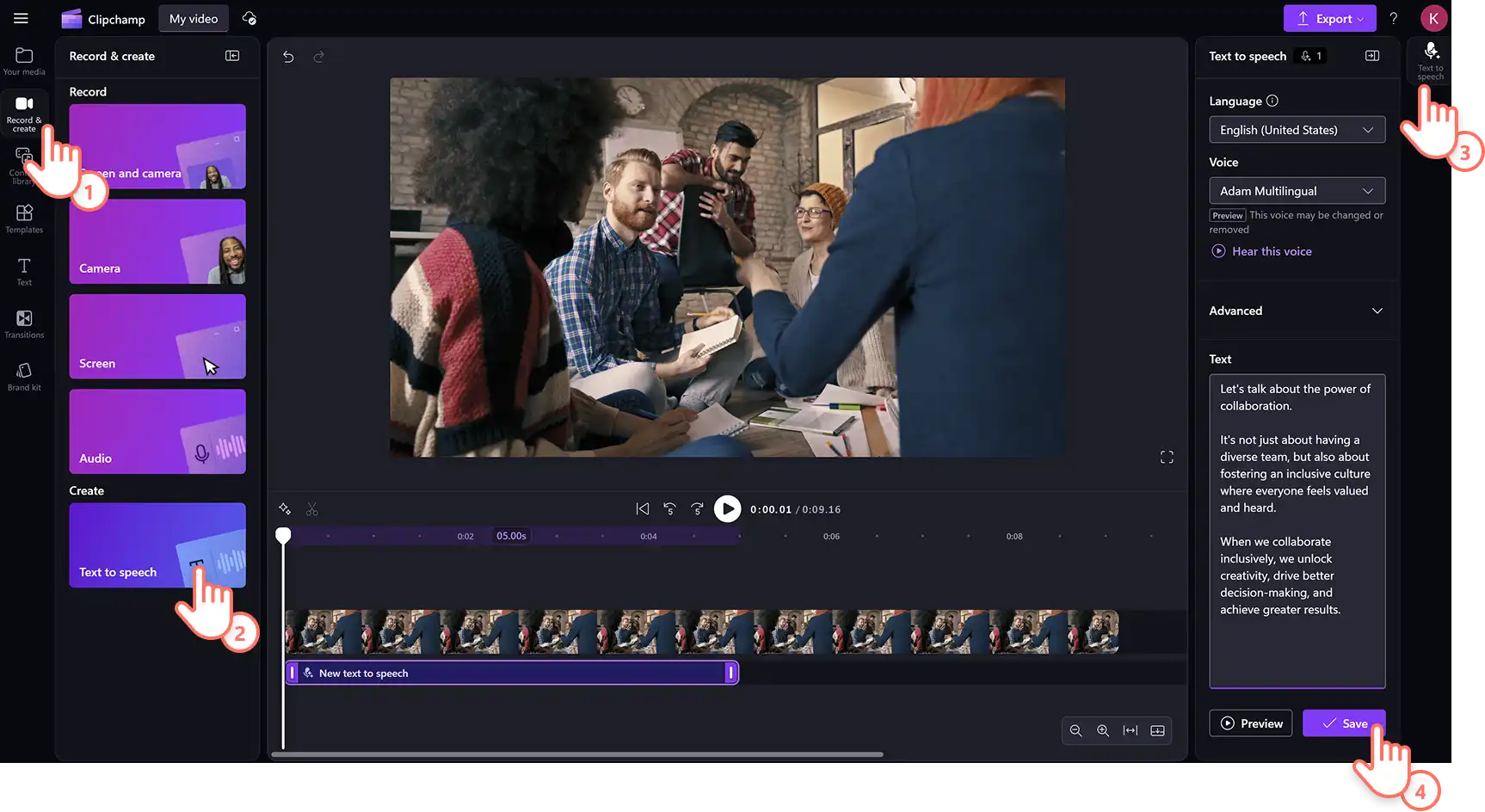
When the draft is ready, create a realistic AI voiceover using the text to speech generator in global languages.
8. Generate short video scripts
Jump on the content reusing trend and grow video reach by splitting up long video scripts into bite-sized video scripts to post as Reels and YouTube Shorts. Many creators post highlight videos showing a snippet of their full video, podcast video or featuring a tip from their video. Use AI to quickly identify the top talking points and engaging hooks from a long video script.
Here's the useful prompt to generate Reels and Shorts scripts fast using Copilot.
I have a long video script, and I need to break it down into shorter scripts to promote my account on social media, while keeping the core message intact. Please generate short video scripts based on the following long video script. Each short script should focus on a specific key point or section from the original script, be concise, and should be around two minutes in length when spoken. It should start with a dramatic hook which helps me capture viewers in the first minute. Ensure each short script is engaging for [social media platform]. Here's the script: [insert script].
Having this planned in advance can help edit videos faster. When ready, use the video resizer to change the aspect ratio of videos.
9. Make an explainer video script
Create a good explainer video to simplify and sell a product or service. Short explainer videos can inform potential customers of benefits quickly, while long explainer videos can be used by employees as a part of a sales pitch. Explainer videos come in all types of format, including product demo videos, screen recorded walkthrough videos, B2B explainer videos, and more.
Choose a preferred explainer video format and video goals, then ask Copilot to help create a explainer script using this outline:
Create a script for an explainer video that effectively communicates the main features and benefits of [product/service/topic]. The script should start with a captivating hook, provide clear explanations, and conclude with a strong call to action. Aim for a script that can be comfortably delivered in under [time limit] minutes. My target audience is [describe demographics]. Here's the main information I want to include: [insert key points about your product/service]. End with a clear call to action to [enquire/book a consultation/order].
AI scripts usually follow a logical flow but may need fine-tuning to match a product's exact benefits, ensuring that no features are misrepresented. Once there's an impactful script, edit a branded demo video with Clipchamp for work.
10. Create a 'top 10' list video script
Social media scrollers love learning new facts, stories, and statistics through list videos. However, scripting a good list video is challenging--it has to be well-researched but digestible to keep viewers watching till the end. Chat with AI to create an interesting list video script in half the time.
Here's a useful outline to craft Top 10 style video scripts using Copilot:
Making a top 10 list video on [topic] and need a script that ranks the items based on significance, entertainment value, or [add criteria]. Please generate a script for a top 10 video that includes an engaging introduction, a persuasive narrative for each item, and a closing summary. Each segment should be concise, focus on one item at a time, and include interesting facts or anecdotes. Start each segment with an attention-grabbing line to maintain viewer interest. Ensure the script flows logically and suits [video platform] audience expectations. Here's the topic for you to research and write about: [insert topic].
Ask AI to provide more options if the initially researched points don't meet expectations, then pick and choose the best to structure the list video. Edit the video as a slideshow video with dynamic transitions and themed background music in Clipchamp to ensure success as a YouTube video or exciting TikTok.
11. Generate a company video script from an email
Turn an internal work email into a polished, camera-ready script for a leadership or team update video. Paste the email into Copilot and chat to rewrite for video can transform text into a clear, confident video script. AI can suggest a natural speaking rhythm so the final script feels like a genuine address rather than a forwarded email.
Try this useful outline using Copilot:
Read this email and rewrite the main information as a video script. Use a professional tone, and keep sentences clear and easy to record as a video. Present the main update in a logical order and suggest a clear closing message. Here is the email [insert text].
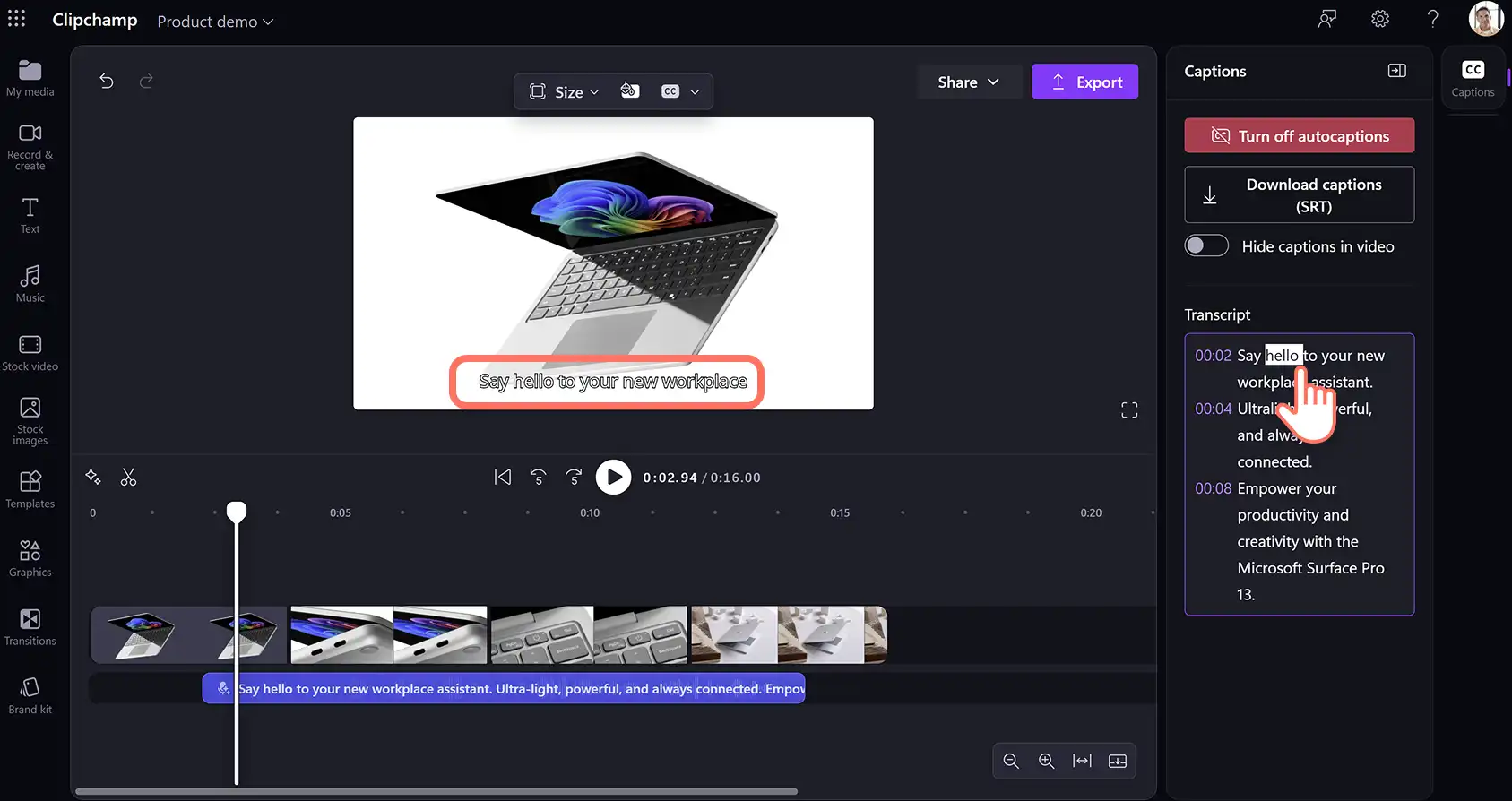
Announce a re-organization, a product milestone, or a company-wide policy update with a video for more engagement. Use the script to record a leadership video with the webcam recorder and add subtitles using the AI subtitle generator for greater accessibility.
12. Customer testimonial video scripts
Turn bullet points about a customer win into a warm, compelling testimonial-style script. Testimonial videos are among the most persuasive formats in any marketing strategy. Hearing a real customer's story builds trust in a way that product descriptions simply can't. Feed a short summary of the customer's challenge, the solution, and the outcome into an AI tool, and get back a structured script that flows naturally from problem to resolution.
Turn customer wins into video-ready testimonial scripts with this outline:
Review this written testimonial about [product or service] and suggest the best video script format to spotlight this for the company. Suggest a script outline, including intro and outro, suitable for sharing on [platform name]. Consider the best possible language to build trust with potential future customers.
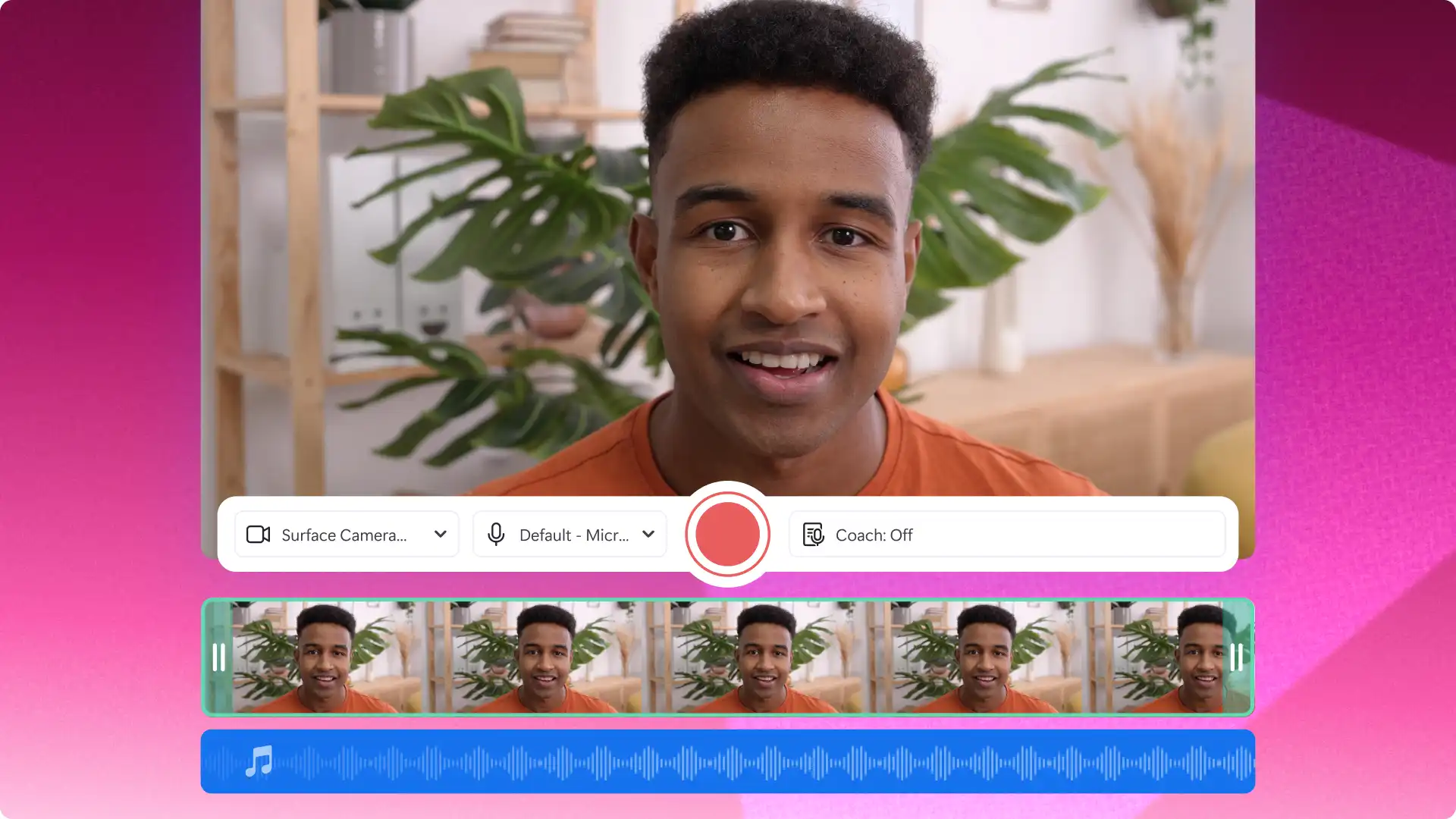
Once the script is ready, record and edit a polished customer testimonial video with Clipchamp for work to use across landing pages, sales decks, and social media.
13. Frequently asked questions (FAQ) video scripts
Feed in a list of common customer questions and get back a clear, conversational script that answers each one naturally. FAQ videos are a smart format for customer support teams because they reduce repetitive inquiries, keep messaging consistent, and provide customers with a resource they can return to. Unlike a product explainer, an FAQ video is organized around real questions, making it feel responsive rather than promotional.
Use this chat outline to turn a list of FAQs into a viewer-friendly script in Copilot:
Need a structured but easy to understand video script explaining the following FAQ questions about [product or service]. The target audience is [describe viewer]. The tone of the script is informational yet friendly. Here is the list of FAQs and responses [insert information].
Record the FAQ video using the screen recorder to show product visuals alongside spoken answers, or use the webcam recorder for a direct-to-camera format.
14. Product launch teaser video script
A product launch teaser is designed to create anticipation before the full reveal. Generate a short, exciting script from a brief or feature list to build hype for a product, service, new business, or new feature. Copilot can distill a long list of features into punchy, energetic copy that builds to a strong call-to-action.
Use this AI prompt to turn a product brief into a teaser script in Copilot chat:
Write a video script outline to promote a new [product or service] to [target audience]. The launch happens on [date]. Suggest a clear hook to appeal to viewers and use a strong narrative thread to create mystery without revealing everything. The tone is [emotional or exciting] and the video length is [suggest timeframe]. The pace is [fast or slow-mo]. Review the information about the [product or service] from this brief list.
Edit the teaser video with stock footage, animated text overlays, and royalty-free music from the Clipchamp content library to create a polished pre-launch video ready for social media.
15. Software training and how-to video script
Write a step-by-step walkthrough script from a process description, aimed at onboarding someone to a new tool or workflow. Training videos for software need to be precise, sequential, and easy to follow, especially for users with no prior experience. AI can take a process description or a list of steps and convert it into a clear script with natural transitions between each stage.
Use this outline to turn a software walkthrough into a structured training video script:
Suggest a software training video script for the [product or website], specifically [feature explanation]. Hook viewers with a relatable pain point, then explain how the [product or website] is the solution. Write the instructions in an easy-to-follow method. Suggest a light call-to-action like "learn how".
Record the training video using the screen recorder to capture the software in action, then add AI subtitles for accessibility and use AI text-to-speech to narrate each step without recording a voice.
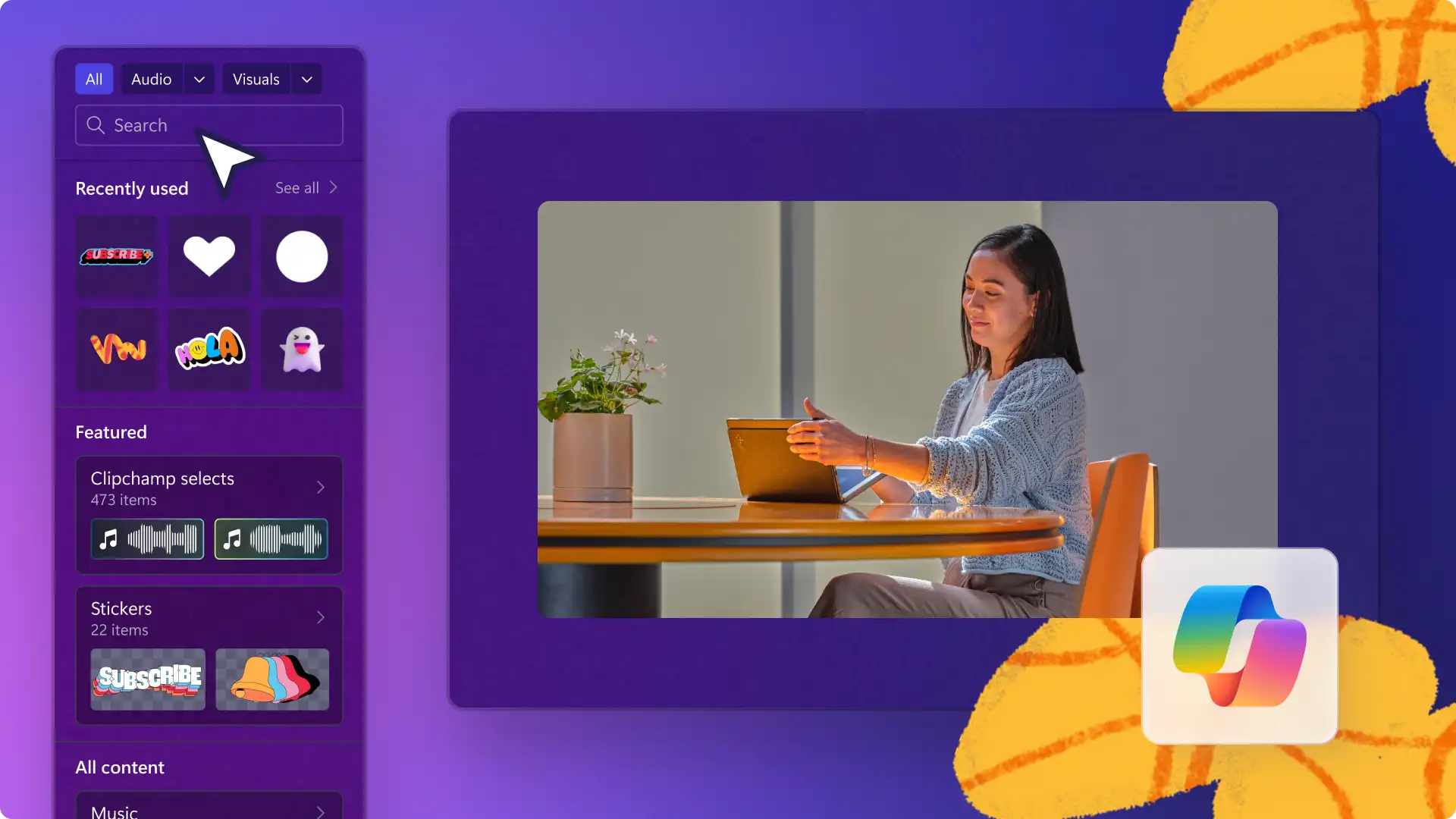
When in need of a versatile video editor to bring ideas to life, try Clipchamp video editor. It's full of high-quality stock media, video filters, royalty-free music, and stickers needed to create eye-catching videos. Use a range of AI video editing features to bring video scripts to life.
Start editing videos with Clipchamp video editor or download the Microsoft Clipchamp Windows app.
Frequently asked questions
- What common mistakes to avoid when creating AI prompts?
It's easy to chat and refine ideas when working with AI like Microsoft Copilot. It helps to provide a clear background and specify instructions about one's goal to get useful responses. If not, simply continue chatting to explain needs till the responses match expectations.
- Do I need to label my video as AI-generated if I use video script prompts?
It depends on the platform's guidelines and personal preference regarding whether to inform viewers that a video script was created with AI assistance. Using AI prompting and AI video generation can significantly influence the content, so it's good to double-check policies and community standards, such as YouTube's generative AI policy to ensure videos are compliant.
- Can AI tools write scripts for business videos?
Microsoft Copilot is well-suited to writing scripts for business video formats, including corporate explainer videos, training videos, and customer testimonial videos. Provide clear context about the audience, tone, and goal, and refine the output with self edits before recording a video.
- How to turn an AI script into a finished video?
Once a script is ready, record using the webcam or screen recorder in Clipchamp video editor, add an AI voiceover, and enhance accessibility with the AI subtitle generator for any language. Royalty-free music, stock footage, and animated text overlays are all available inside the Clipchamp content library to polish the finished video.
Heads up! The screenshots in this article are from Clipchamp for personal accounts. The same principles apply to Clipchamp for work and school accounts.