Heads up! The screenshots in this article are from Clipchamp for personal accounts. The same principles apply to Clipchamp for work and school accounts.
On this page
- 1. Video podcasting
- 2. AI generated b-roll videos
- 3. Video trend hopping
- 4. Short video series
- 5. Video experimentation tools
- 6. AI voices and avatars for training videos
- 7. UGC meets live shopping
- 8. AI video script generation
- 9. AI video script editing
- 10. Stylized AI-generated images and art
- 11. Interactive video features
- 12. The silent-watcher trend
Online videos are the leading way to educate and entertain audiences today. Every day, new platforms emerge, creating multiple trends, creators, and video content universes.
This list will help readers understand the video creation and digital marketing trends currently dominating social media, the creator economy, and the workplace.
Discover the latest social media video trends, including AI video editing, training video solutions, generative AI creation, and more. Match strategies and goals for every platform and create videos that tell a story using Clipchamp video editor.
1. Video podcasting
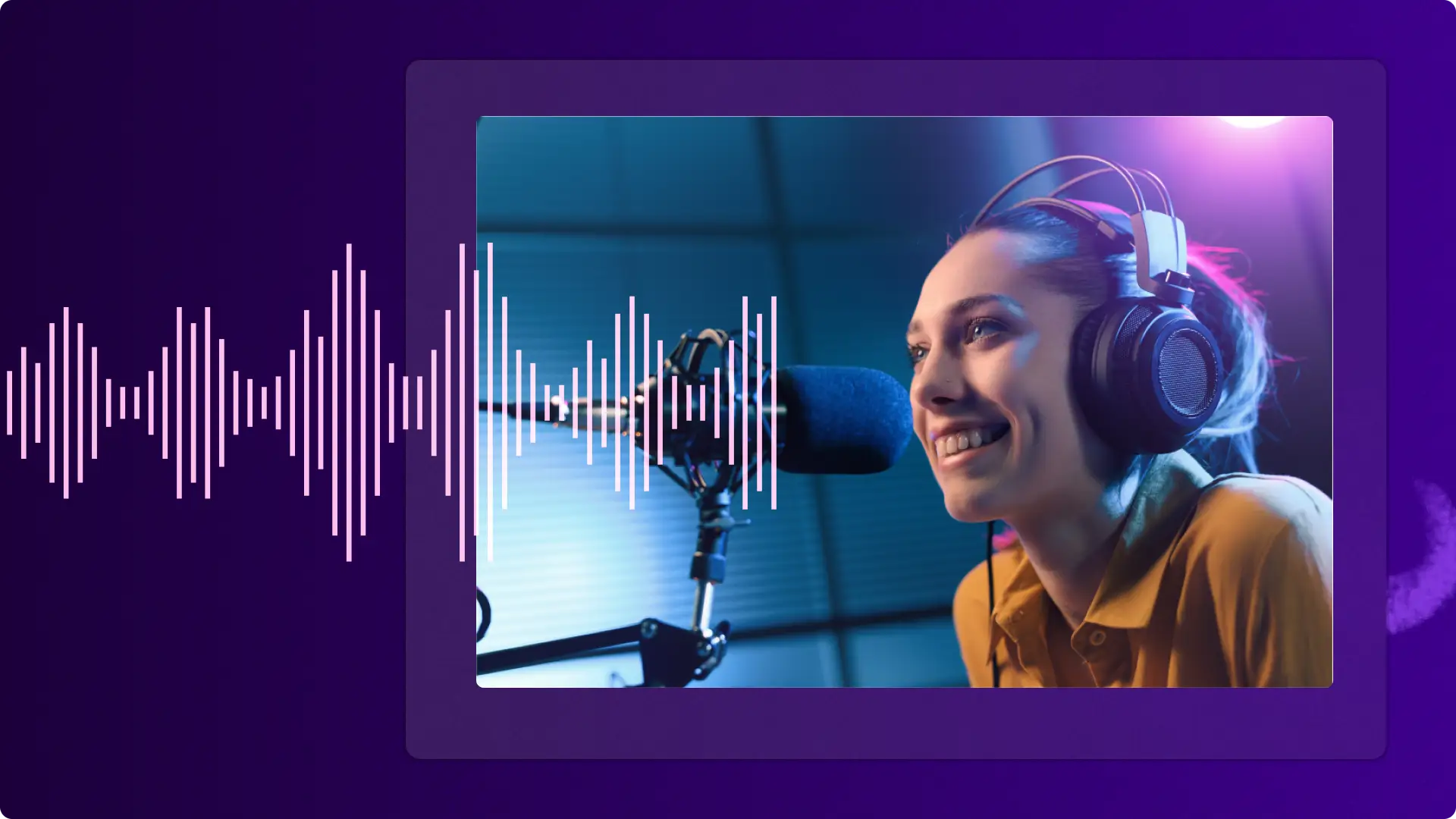
In 2026, the trend continues to shift shifting towards video-first podcasts, following the surge in audio podcast launches witnessed in 2025. Recording and publishing vodcasts (video podcasts) has become simpler, making it an essential digital marketing tactic for both creators and businesses. Vodcasts offer an opportunity for thought leadership, education, and personal storytelling. No topic is too niche to find an audience on Spotify and Apple Podcasts.
Multi-camera setups for in-studio interviews and conversations are becoming the norm. These parallel videos offer a lot of opportunity to create shareable clips when promoting a podcast. While podcasts clips with audio visualizer overlays remain popular for long-form video content, video podcast clips are expected to drive more engagement and views thanks to the added human element.
The platforms are no longer limited to just Spotify. Creators can edit video podcasts efficiently and repurpose snippets on TikTok, Instagram, and YouTube Shorts to broaden reach.
How to apply this trend: creators who already have an audio podcast can incorporate a multi-cam setup to further fuel content opportunities. Share short highlight videos showing high-energy segments, hot takes, or thought-provoking quotes to attract and engage the ideal audience.
2. AI generated b-roll videos
Generative AI tools are opening new horizons for video creators seeking one-of-a-kind visuals. With more free and premium AI tools becoming available, creators can prompt AI to generate complementary visuals to work into their video content seamlessly. In some cases, AI-generated video footage can also be the backbone of a video, such as narrated slideshow videos or the growing niche of faceless YouTube videos.
One of the big wins of AI b-roll is the time saved in the video production process. Generating visuals that match a creator's vision can save time compared to searching for the perfect stock media.
However, it's not a good choice when a video needs to have a continuous story or consistent-looking characters. With watermarks and copyright protections varying across platforms, video makers should ensure AI-generated video footage can be shared freely and won't demonetize YouTube channels.
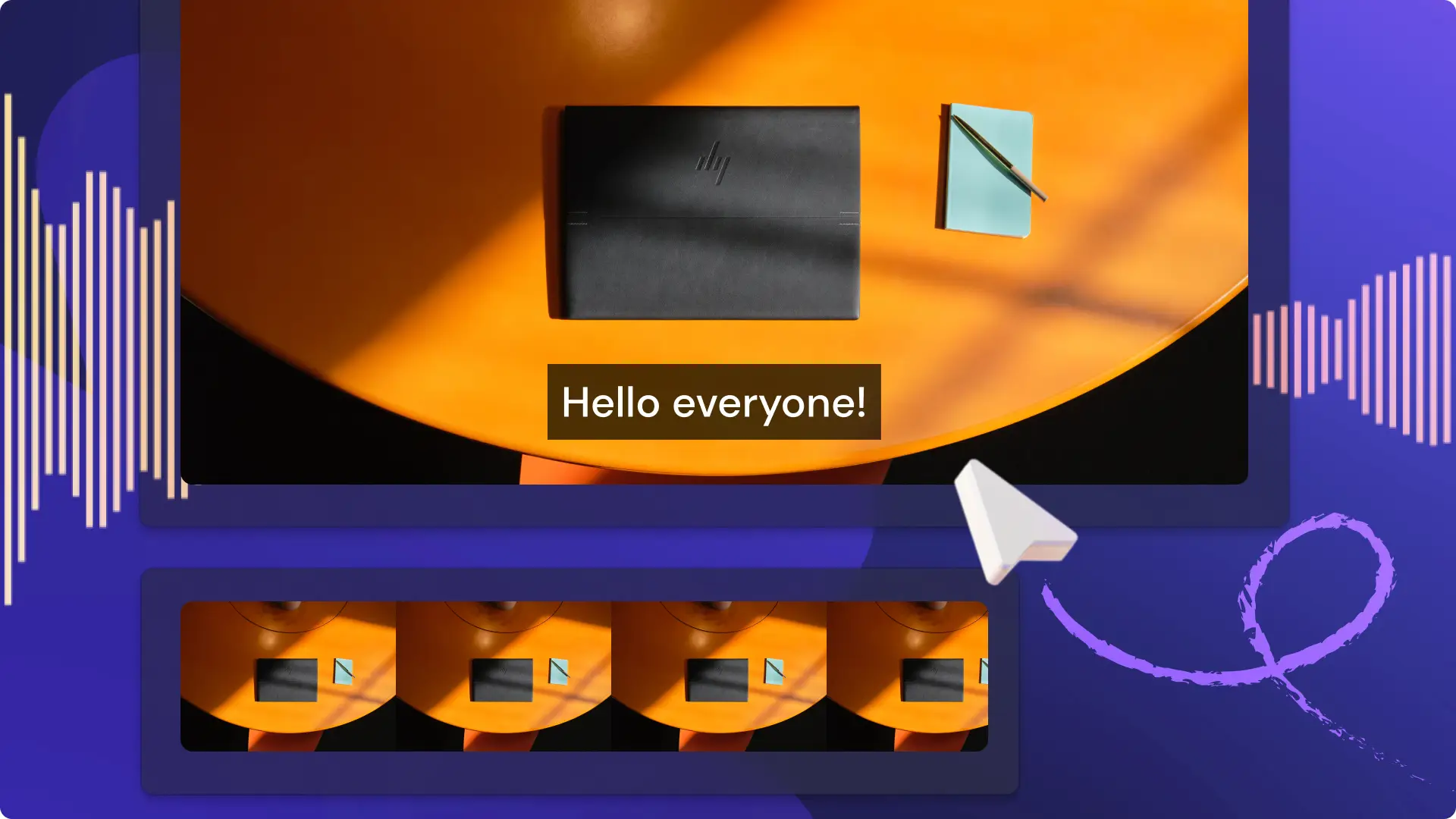
How to apply this trend: some generative art can have a hyper-realistic feel while some art can look synthetic, so choose an AI image generator wisely. Stand out with tools like Copilot for storyboarding and Microsoft Designer for visuals to align on both style and functionality. Once you’re ready to edit, combine still AI images with dynamic video transitions to create movement and improve video storytelling.
3. Video trend hopping
Instead of constantly creating corporate video content on social media, businesses can now stay relevant by monitoring and jumping on trends. This video marketing strategy is all about leaning into current TikTok trends and global calendar events by participating with videos or replies in comments sections. It allows content to showcase a business’s creative tone, humor, and values, so aligning with trends that resonate with your brand’s identity is crucial.
Topical video was a tactic that was previously reserved for big ticket advertising events like the Super Bowl. Social media has leveled the playing field by creating a stream of trends and new internet subcultures every week. A great example of leveraging trends was the 'Gen Z marketing script trend’ on TikTok, where businesses featured an employee describing their products and services using Gen Z slang in a deadpan manner. From quaint B&Bs to well-known fast-food chains, every brand in the conversation raked in thousands of views.
How to apply this trend: keep an eye on trending audio and challenges on TikTok to create videos that resonate. Fuel that content calendar with some video ideas to maintain an "in-touch" presence. Experiment with tone in the comments section as a starting point. Bookmark TikTok’s biggest trends or look for inspiration on TikTok directly.
4. Short video series
Posting short-form video content on platforms like TikTok, Reels, or YouTube Shorts is a great way to reach a new audience. However, it can be challenging to tell a story and keep new and existing followers engaged. These platforms often feature reverse-chronological feeds and lack a playlist feature for bite-sized videos, making it tricky to guide subscribers through a video story.
To solve this problem, some creators have started adding a “part” to their short video titles like “part 1/10”. This approach creates an unofficial micro-series that interested viewers can look up by title.
The video formats range from ‘storytime’ videos spliced into smaller video clips, unboxing videos, with product reveals, monthly challenges, and even reaction videos split across multiple parts. This strategy can boost a social media account's retention and lead to a very tight-knit community in the comments section, if done well. Unlike long-form videos that require significant time investment, these bite-sized videos fit perfectly into busy schedules.
How to apply this trend: create a binge-worthy series on a short form video platform of choice by adding “part” to each video title. Keep titles under 100 characters to meet app specifications and write the most exciting part first to grab attention.
5. Video experimentation tools
Social media platforms have launched more in-built experimentation tools to help creators grow their reach and engagement. Meta's latest testing feature, called "Trial Reels", allows users to test out a new storytelling format or post about a new niche and gain learnings fast. These Reels are shown to non-followers first so creators can get a ‘gut check’ on how their relevant videos might perform.
Over on YouTube, creators can compare up to three test video thumbnails to gain insights on which receives the most engagement. These learnings can optimize strategies for both short-form and long-form video content.
How to apply this trend: look for testing opportunities on popular video and social media platforms to identify the feature that could drive video growth.
6. AI voices and avatars for training videos
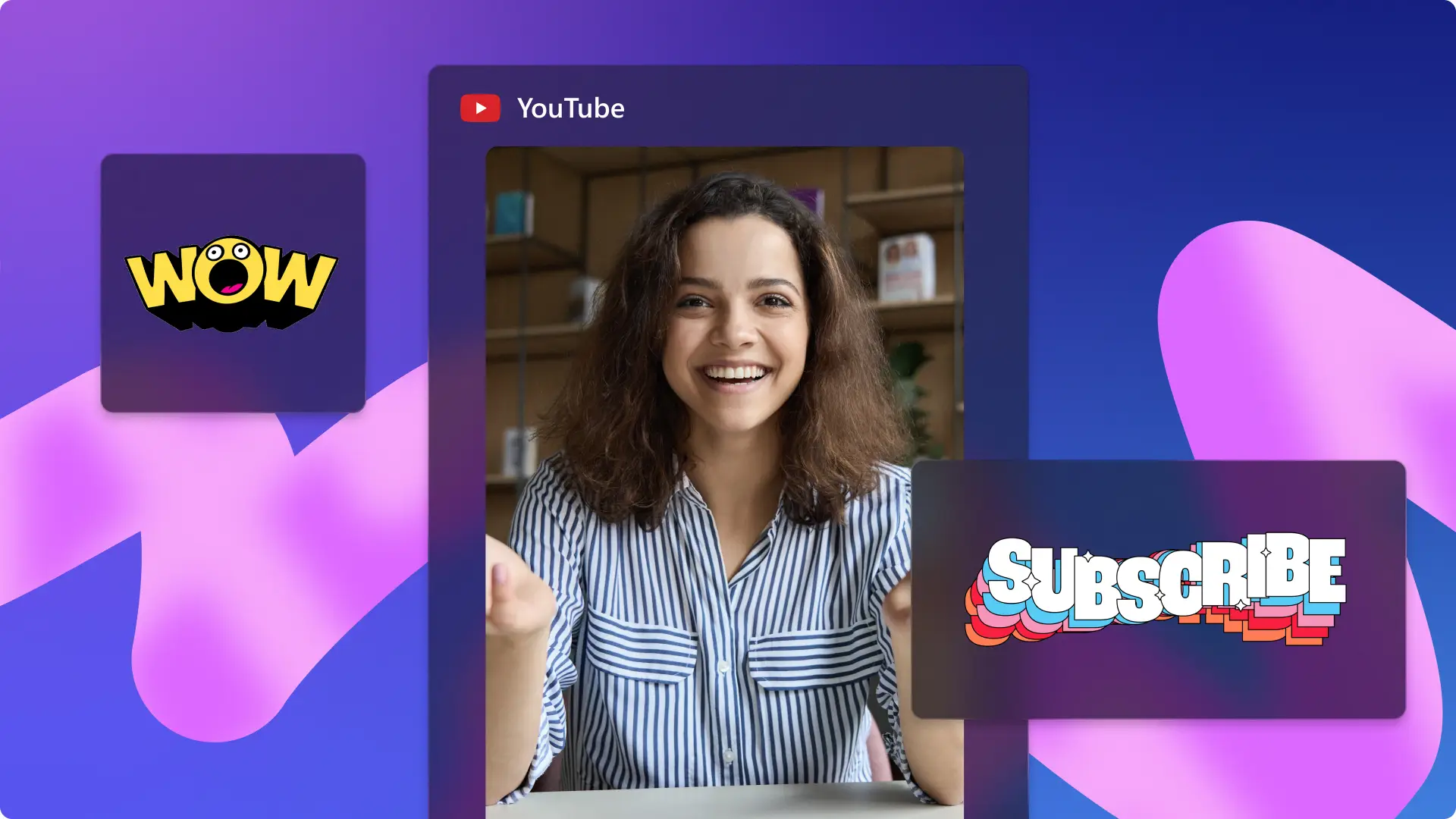
Say goodbye to the uncanny valley in 2026. AI avatars and voices are expected to be more lifelike than ever before. Businesses can leverage this to optimize their corporate video production and create videos at scale.
Training video creators can make engaging, consistent videos featuring human-like instructors or AI voices that can deliver courses in different languages which are tailored to various learning needs. This level of personalization will empower workplaces to make better training videos for multicultural audiences.
Text-to-speech generators and AI avatars offer high production value while being quick to create, making them an excellent solution for businesses and education. Updating training videos can also be faster, since they don't require reshoots.
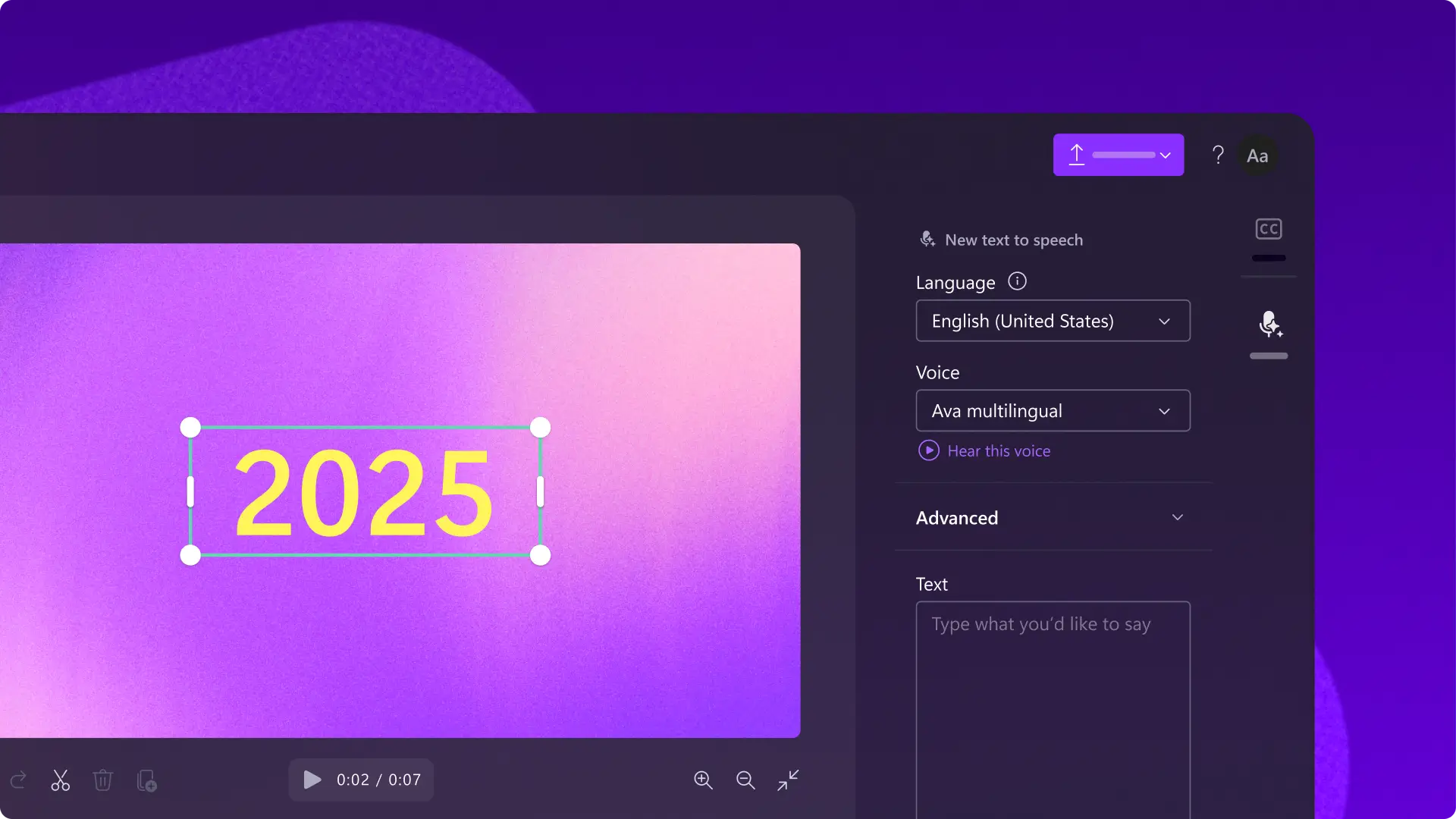
How to apply this trend: assess training video needs, budget and timeframes to identify if your business would benefit from text to speech voiceovers or an AI avatar. For high-quality AI voiceovers in global languages, try the AI voiceover generator in Clipchamp for professional results.
7. UGC meets live shopping
User generated content (UGC), and video reviews are becoming large-scale sustainable creator income streams in 2026, as they combine forces with live shopping platforms. In late 2024, there was a burst of activity on TikTok Live and Amazon Live, both hotspots for these trends.
Live shopping enables creators to demo a product, explain why they recommend it and answer questions in the comments. The lifestyle category is growing fast in 2025, with more get ready with me (GRWM) videos dominating the live video trend. Followers will tune in to discover new products, listen to creators’ stories, and build a community in the comments.
How to apply this trend: for those looking to get started, create a video portfolio showcasing work to attract sponsorships and brand opportunities for live video. For existing UGC reviewers, increase engagement by weaving in more vlog-like storytelling and discussing relatable product scenarios.
8. AI video script generation
Video scripting is now easier than ever before. Creators and working professionals no longer need to start with a blank page. Instead, they’re using generative AI to brainstorm, build script outlines, and generate entire video scripts.
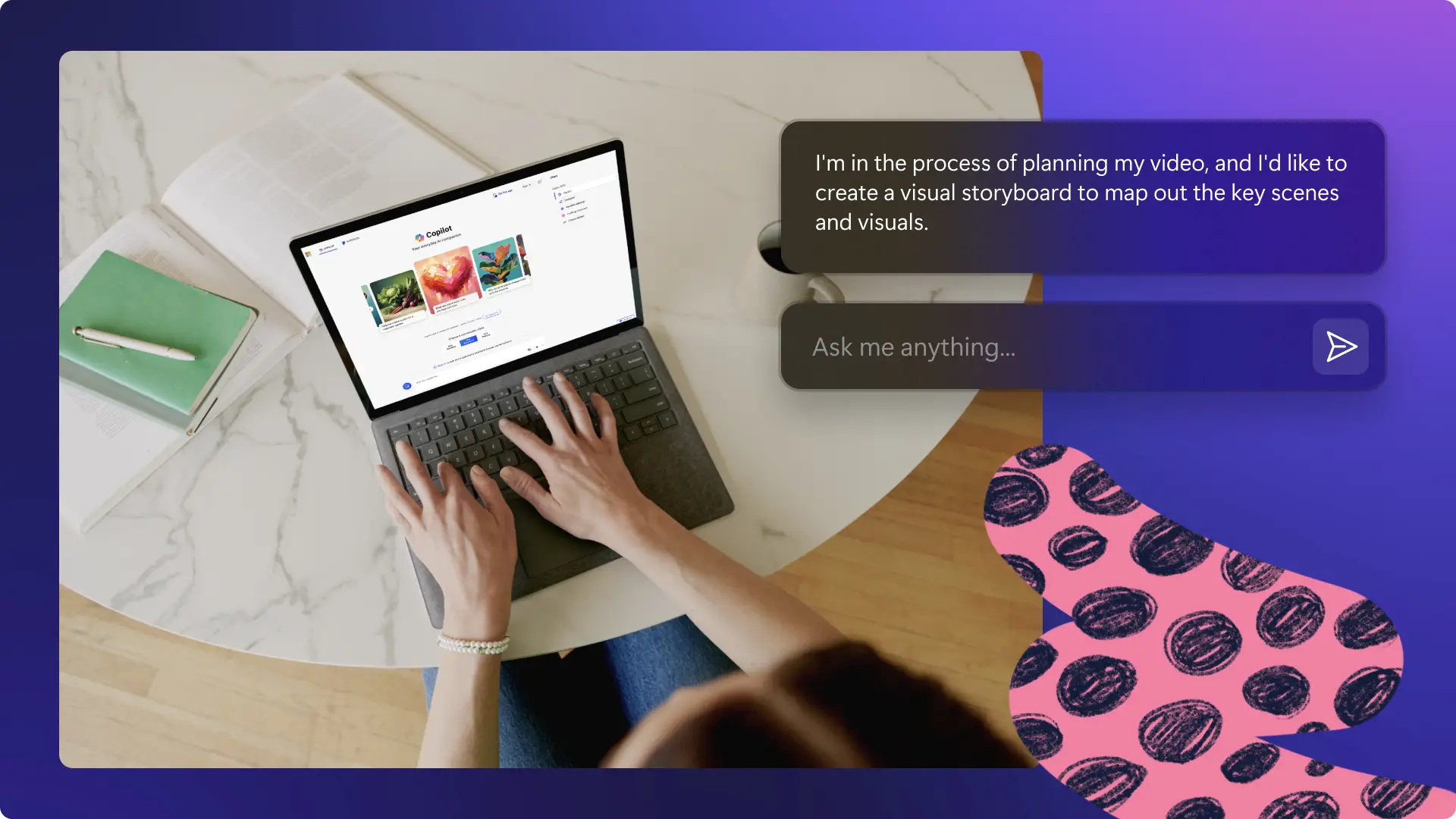
Chatting with generative AI, such as Microsoft Copilot, enhances topic research when writing video scripts. Even when starting with bullet points, AI helps you expand your ideas with structure and style. YThose ideas can be turned into a complete outline, then prompt Copilot further to generate a full video script.
Marketers worldwide are collaborating with AI to save time and maintain the tone and message of video scripts. It's helpful to remember that AI loves as much detail and context as possible, so it's recommended to learn best practices for prompting.
How to apply this trend: start by following these helpful AI prompts for video scripting. Then you can prompt and collaborate with Copilot as part of the video script writing workflow to draft variations of lines and directions.
9. AI video script editing
This productivity trend is driven by new creators and video makers who produce videos in batches for their businesses, courses, or YouTube channels.
An AI script editor quickly polishes narration and video voiceover scripts. Instant video script feedback is now available, with intuitive suggestions to improve the flow, tone, and clarity of a script so it sounds professional. This can save time for corporate teams that need to write video scripts quickly and plan monthly video content output.
How to apply this trend: refine, edit, and improve any video script in minutes by prompting Copilot in Microsoft Word for quick results. Type a script then ask Copilot to rephrase sentences. Then use Editor to check for any spelling and grammar errors, or preview readability levels. The Read Aloud feature in Word is also available to hear how it sounds before recording.

10. Stylized AI-generated images and art
AI image generation capabilities are set to recieve a m upgrade in 2026. The simplicity of making AI art has given rise to user-generated trends almost overnight. Tools like Microsoft Designer make it easier than ever for users without graphic design experience to create stunning, original visuals with text prompts.
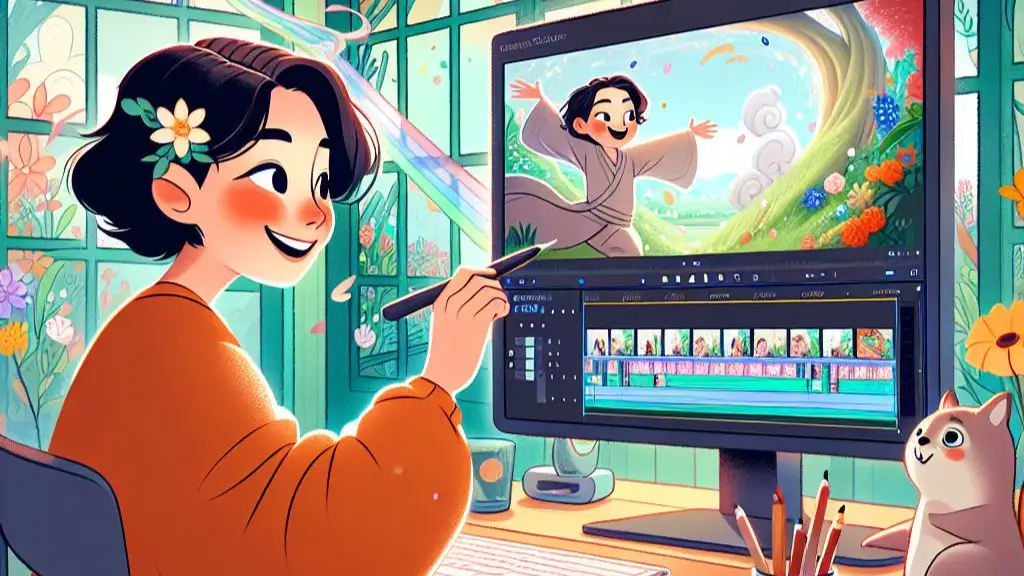
Some standout trends include cartoons in the anime-style of Japanese animation house, Studio Ghibli, and photorealistic images of people as action figures. These AI-generated images are now also quickly evolving into short-form video formats. Creators are transforming their artwork into Instagram Reels with animations, while influencers are sharing YouTube Shorts tutorials with AI art prompting tips.
How to apply this trend: overlaying AI images to videos effectively can add personality, improve engagement, and support storytelling. Use Microsoft Designer to create stylized AI-generated artwork to enhance YouTube Shorts or Instagram Reels.
11. Interactive video features
Interactive video is transforming passive viewers into active participants. Features like polls, quizzes, clickable hotspots, and branching narratives became mainstream across platforms in 2025. These elements turn one-way communication into a two-way experience, driving higher engagement and longer watch times for online videos.
The data-driven benefits are significant. Interactive videos generate valuable insights about viewer preferences, decision points, and engagement patterns. Marketers can use this information to refine messaging and deliver more relevant videos, while educators can identify knowledge gaps in training materials.
Cross-platform compatibility is improving too. What once required specialized software can now be achieved through native platform features on YouTube, Instagram, and TikTok. Shoppable videos with clickable product tags are merging entertainment with e-commerce, creating seamless paths from discovery to purchase.
How to apply this trend: Start simple by adding polls or quizzes to Instagram Stories or YouTube community posts. For more advanced interactivity, explore platforms that support clickable hotspots and branching video paths. Track engagement metrics to understand what resonates with audiences and iterate based on the data.
12. The silent-watcher trend
Most consumers watch videos with the sound off. Research suggests 74 percent of Facebook videos are viewed without audio, and this behavior extends across TikTok, Instagram, and LinkedIn. Smart creators are designing online videos for silent consumption first, then adding audio as an enhancement rather than a requirement.
Auto-captions have become essential. Platforms now offer built-in captioning tools to add accurate subtitles fast and simply. Beyond captions, visual storytelling techniques like dynamic text animations, expressive graphics, and clear on-screen instructions ensure the message lands without sound.
This trend also improves accessibility. Captions benefit viewers who are deaf or hard of hearing, non-native speakers, and anyone in sound-sensitive environments, such as offices, public transport, or late-night scrolling sessions.
How to apply this trend: Design video content assuming viewers will watch silently. Add captions to every video using autocaptions feature for accessibility. Use bold text overlays to emphasize key points, incorporate expressive visual cues, and ensure the narrative makes sense without audio. Test videos by watching them muted before publishing.
Now that the leading video trends that will shape 2026 are clear, turn that knowledge into action by planning a 2026 video marketing calendar for success.
Start creating trending videos today with Clipchamp for free or download the Microsoft Clipchamp Windows app to begin.